Pricing & credits
Pricing and credits
What's free, what changes when you upgrade, and how many credits changes take.
Per app · every 30 days
Going further — upgrade your app
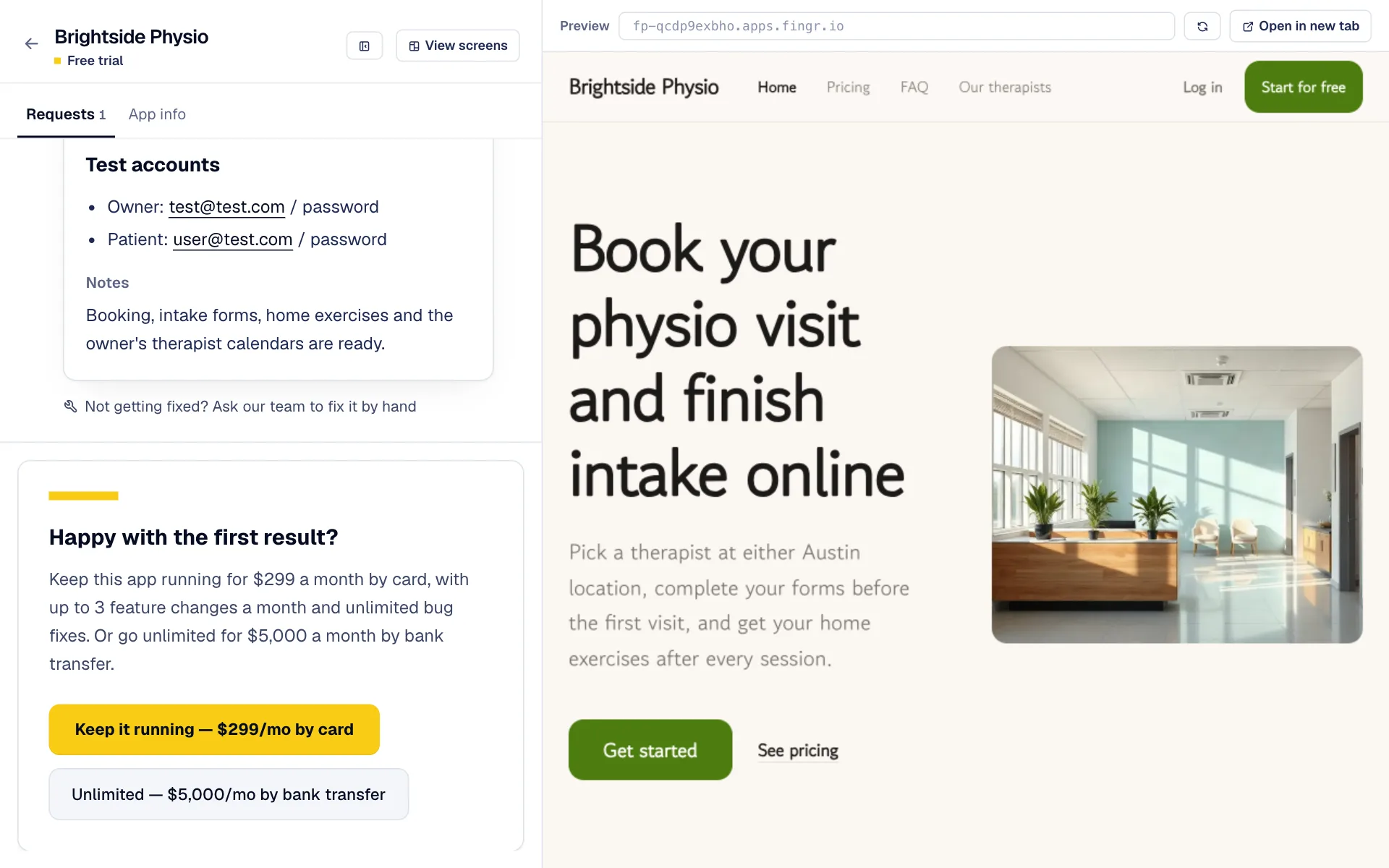
Upgrade under your first result or from “Plan & credits” in the left menu. From the moment your card payment goes through, the app stays on, and you can turn off the “Made with fingr” badge in “App info”. We only take card payments (no bank transfers).
Free
$0
No card needed
- Your first app
- Sleeps when unused, wakes in about 10 seconds
- Small “Made with fingr” badge in the corner
- Deleted if you don't log in for 30 days
Upgrade
$49 / 30 days
Card, renews automatically
- App always on · turn off the “Made with fingr” badge
- Your own domain · download the latest code
- Credits for changes are bought separately
Credits
$100 / 100 credits
Charged once
- We tell you the credits before building
- Small fix 5 · regular 10 · one feature 30 · big feature 40
- Failed builds are refunded; purchased credits last 1 year
- Moving to your own server: 200 credits
- iPhone · Android app code: 100 credits per platform (first time only)
Upgrades: full refund within 7 days of payment if you haven't sent a new request in that time. Purchased credits: full refund within 7 days if none were used; after that, unused credits are refunded less 10%.
If your app has features where AI does the work (summaries, auto-replies and so on), that usage is billed separately from your plan — at twice what we pay the AI provider. Before you turn it on we show an estimate, and you pick a monthly cap ($20, $50, $100 or $300) and agree to it. We email you at 80% and 100% of the cap; at 100% only that AI feature pauses until next month (raising the cap unpauses it right away). Usage is charged to your card monthly; if it fails we retry daily and pause only the AI features until it goes through.
We tell you the credits before we build
Making changes with credits
-
1
Send a change and a moment later the request shows its size, the credits it takes and your balance, like “This request takes up to 10 credits · Regular change”. Credits come off only when you press “Build”. Changed your mind? Press “Cancel”.
-
2
Credits by size: small change (text · one button) 5 · regular change (a field · sorting · layout) 10 · one feature (new screen · email alert) 30 · big feature (payments · several screens) 40 — at most. Once built, you're charged only for what it actually used and the rest comes back.
-
3
Your app's first request needs no credits. Bug fixes cost credits like new features, based on how much needs to change, and we show what will change and the credits before building. If a build fails, the credits come back.
-
4
Tired of pressing Build each time? Under “Plan & credits” at the bottom left of your app → “Credits”, set “Build without asking” for requests up to 5, 15 or 30 credits.
-
5
“Plan & credits” in the left menu shows your account credits (they work in any app) and any credits about to expire; the “Credit history” tab next to it lists every credit in and out. You get credits by signing up, buying or inviting friends, and they all last 1 year. Free and upgraded apps don't get monthly credits.
-
6
Need more? Press “Buy 100 credits” ($100) — it's charged to your card right away, and bought credits last 1 year. With KRW card payments you can also turn on auto top-up: set a level like “at 10 credits or less”, and when your balance drops below it we buy 100 credits automatically (up to 3 times every 30 days, with an email each time). Auto top-up isn't available for USD payments yet.
-
7
Moving to your own server (DigitalOcean) takes 200 credits, returned if you disconnect before we move it.
-
8
iPhone · Android app code takes 100 credits per platform the first time. Downloading it again for the same app is free.
Kept for 30 days · then deleted
If you cancel or a payment stops
-
1
After you cancel, you keep using the app until the paid period ends. If you cancelled, or the next card payment doesn't go through by the end of the period, the app is paused and customers who open its address won't see it. If a payment fails, we email you before that happens.
-
2
For 30 days after the pause we keep your app and data exactly as they were. Upgrade again within that time and you continue right where you left off, with any purchased credits still there.
-
3
On day 23 we email you the deletion date, and after 30 days we delete the app, its data and any service keys you added. Deleted apps can't be restored. Free apps aren't paused; they're deleted the same way only if you don't log in to fingr for 30 days.
-
4
To keep the code, download the latest version from the “Code & migration” tab before the app is paused — code downloads are available while the app is upgraded. Apps moved to your own server keep running there even after you cancel.
Questions?
Ask the chatbot at the bottom right of the screen. AI answers first, and our team follows up when needed. You can also email james@heyjames.ai.
Build your first app with free credits