Changing your app
Keep changing and growing your app
After your app is ready, just describe what to change and we keep updating it. How to send requests, write good ones, and what to do when something isn't working.
Requests · billing · card
Keep growing your app
-
1
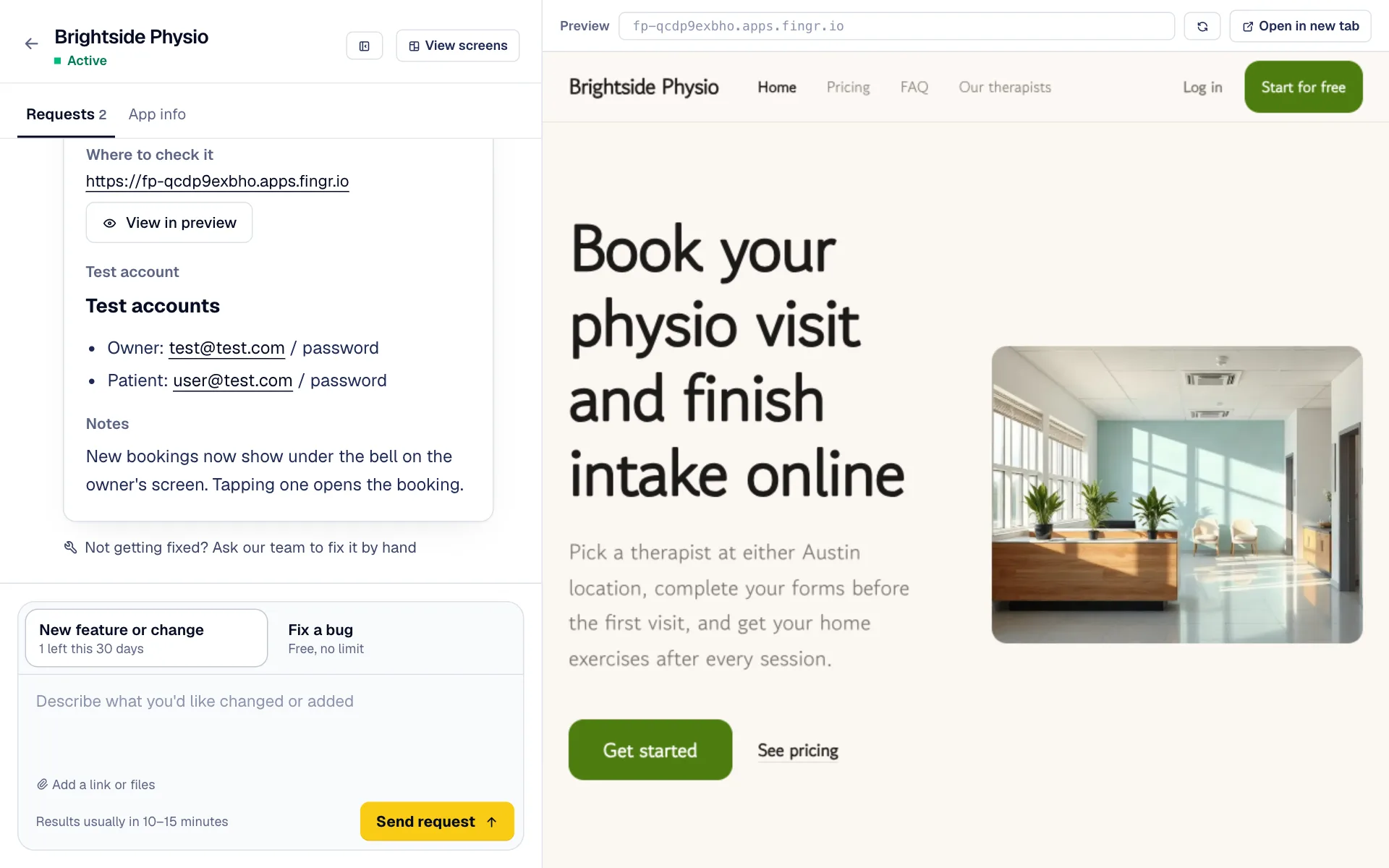
Type what you'd like changed in the box at the bottom and click “Send request”. A moment later we show how many credits it takes; credits come off only when you press “Build”. Results usually arrive in the same thread in a few minutes.
-
2
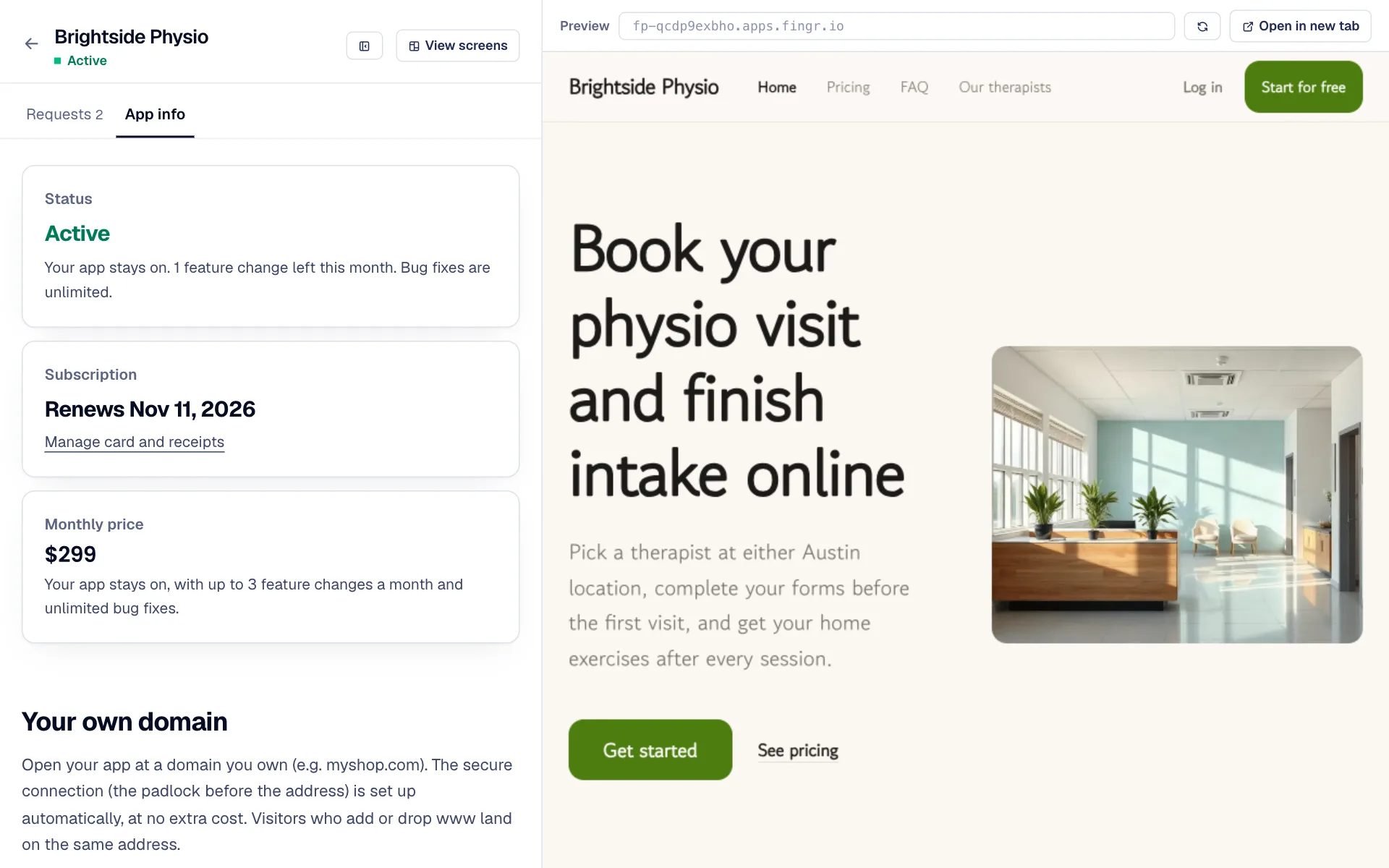
“Plan & credits” at the bottom left of your app shows the status, next payment date, monthly price and credits. Change your card or cancel under “Manage card and receipts”; after cancelling you keep using it until the paid period ends.
-
3
If your app shows an error page, an alert appears above the chat. One click on “Ask to fix it” sends a bug-fix request.
-
4
The app and its code are yours. While the app is upgraded, download the latest code any time from the “Code & migration” tab.
-
5
Want a phone app too? Get iPhone · Android app code from the “App store release” tab and publish it to the stores.
Get what you want the first time
Writing a good request
-
1
Say who does what, and when. For example: “When a patient books a time, send the owner a notification.”
-
2
Adding a link to a similar service or a screenshot makes results much more accurate (“Add a link or files” under the box).
-
3
Split big requests into smaller ones for faster results. When one is done, check the result and send the next.
Team review · bug-fix request · ask support
When something isn't working
-
1
If the AI can't finish a request, fingr rebuilds it automatically (up to 2 times). If it still can't, “Our team is looking into it” appears under the request and we get back to you within 2 business days. Your app stays as it was before, and the credits are returned.
-
2
If a few AI fixes still don't solve it, tap “Not getting fixed? Ask our support” under the last request, or the chat icon at the bottom right. The chatbot answers first, and if that doesn't help, “Ask a person” brings it to us directly.
Questions?
Ask the chatbot at the bottom right of the screen. AI answers first, and our team follows up when needed. You can also email james@heyjames.ai.
Build your first app with free credits