From One Web App to iPhone and Android Apps: Launch on the Web First
Skip building a mobile app first. Validate with a web app, then publish to the App Store and Google Play — accounts, review pitfalls, and costs, step by step.
· 6 min read
Key takeaways
- Launching a web app first lets you test demand before paying for mobile apps.
- When customers stick around, wrap the same web screens in a native shell and publish them as iPhone and Android apps (the hybrid approach).
- Store fees are $99/year for Apple and a one-time $25 for Google Play. Review usually takes a few days.
- With a hybrid app, updating the web app updates the store apps too — no resubmission for screen changes.
- To pass Apple review, the app must feel like an app, not a website in a frame.
Why the web app comes first
"I want an app for my business" usually means: customers install it, book or order, get rewards, and come back. Aiming straight for the App Store runs into three problems.
- The install barrier. Nobody installs an app to try a business once. A link that books in two taps converts first-time customers far more easily.
- Slow fixes. Every app update waits for store review. In the first few months you'll want to change something almost every week.
- Double the cost. A website plus a separate app means building and fixing every feature twice.
So flip the order: launch the web app, and once people use it, wrap it and ship it to the stores. That's a hybrid app. For how it compares to native and cross-platform, see Hybrid vs native vs cross-platform apps.
Step 1: Build a web app that works great on phones
If you plan to wrap it later, design for phones from day one.
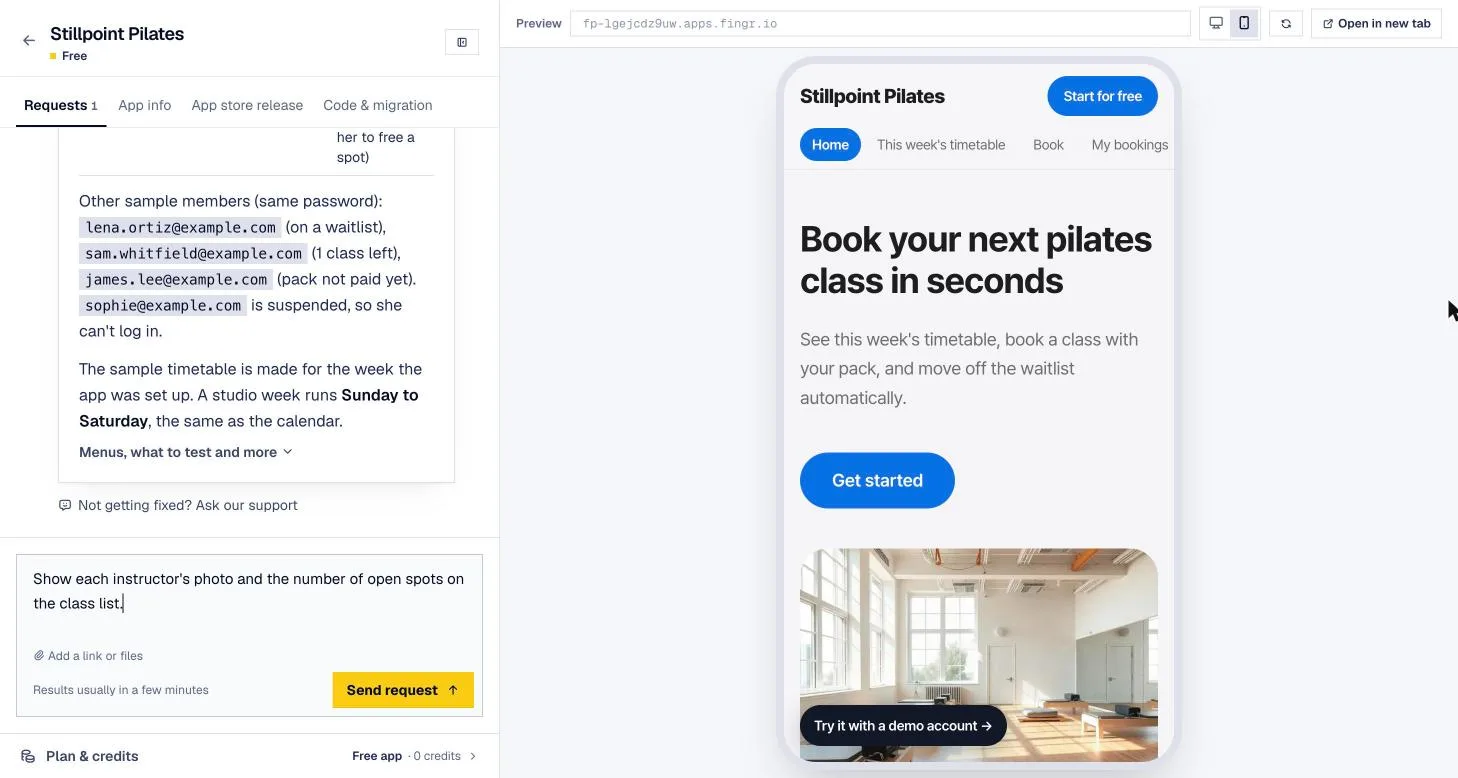
- Bottom tab bar: put the screens people use most (Book, My bookings, Rewards, Account) where thumbs reach.
- Big buttons, short forms: ask only for what you need — name, phone, date.
- Stay signed in: a session that sticks is what makes it feel like an app.
- Admin on desktop: your own dashboard for checking bookings and updating statuses works best as wide tables on a laptop.
Then send the link to real customers. A text message, your Instagram bio, and a QR code at the counter are enough.
Step 2: Check that people actually use it
Before going to the stores, ask yourself:
- How many people booked or ordered this week?
- Are any of them coming back?
- Has anyone said "I wish this was an app"?
Repeat customers are the signal. Apps are worth more to regulars than to first-timers — the home screen icon and push notifications are what bring people back.
Step 3: Set up your store accounts
Even with the app project in hand, the store accounts need to be in your business's name.
| Apple App Store | Google Play | |
|---|---|---|
| Account | Apple Developer Program | Google Play Console |
| Cost | $99/year | $25 one-time |
| You'll need | Apple ID, individual or company info (companies need a D-U-N-S number) | Google account, identity verification |
| Building | Build and upload from a Mac with Xcode | Build and upload with Android Studio |
| Review time | Usually a few days | Usually a few days (new accounts may have a testing period) |
If you enroll as a company with Apple, request your D-U-N-S number early — it can take a while. Google Play sometimes requires new personal accounts to run a closed test with a set number of testers for a set period before going public, so line up friends or staff. Both companies change these rules often, so check their current guides when you sign up.
Step 4: Prepare the native shell
The shell of a hybrid app includes:
- App name and icon shown in the store and on the home screen
- Bundle ID — a unique identifier like
com.mybrand.app. You can't change it later. - Start URL — the web app address the app opens
- Navigation behavior — transitions, back gestures, status bar color
Doing this yourself takes some mobile know-how, which is why many people use a service that hands them a ready-made project.
Step 5: Get through review
Apple's App Review Guidelines (section 4.2) allow rejecting apps that are basically a repackaged website. The usual sticking points:
- It looks like a website. A browser-style bar at the top or a wide desktop menu hurts you. Use a phone menu and bottom tabs.
- Everything is behind a login. Put a test account in the review notes so the reviewer can get in.
- Privacy policy URL. Required on the store listing.
- Account deletion. If people can sign up, Apple requires a way to delete the account inside the app.
- Payments. Selling digital goods (subscriptions, content) inside an iPhone app generally means using Apple's in-app purchase. Payments for real-world services — booking deposits, physical products — can usually use regular card payments. If you're unsure, read the guideline before submitting.
Step 6: After launch, just update the web app
This is where hybrid pays off. New menu items, a holiday promo screen, different opening hours — change the web app and the web, iPhone, and Android versions update together. You only go back through review when you change the shell: name, icon, or permissions.
How fingr shortens this
fingr is built around this order.
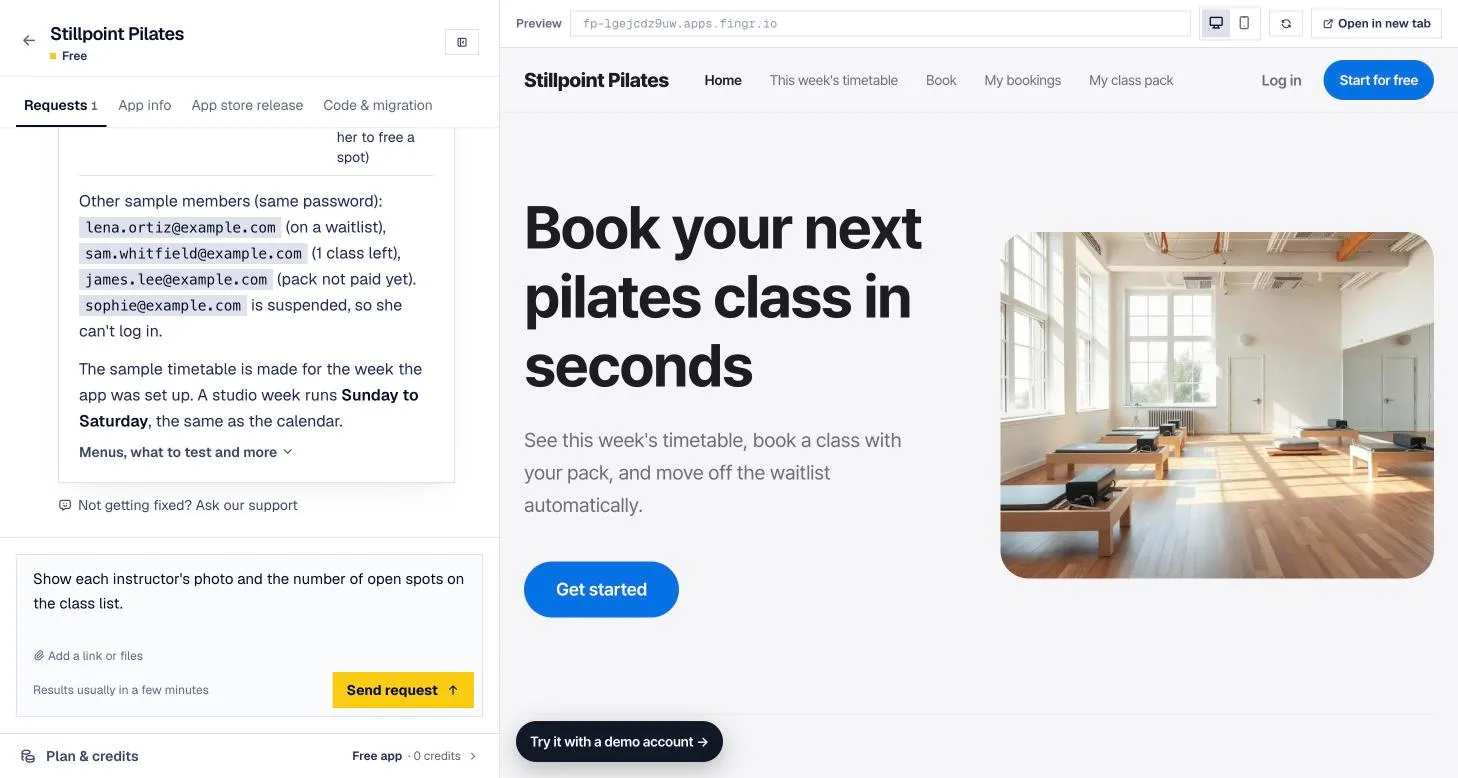
- Describe your idea, answer a few questions, pick features, and review the screen designs. fingr then builds a phone-friendly web app — with an admin dashboard included from the first version.
- It's already live at a real address, so you can send customers the link right away.
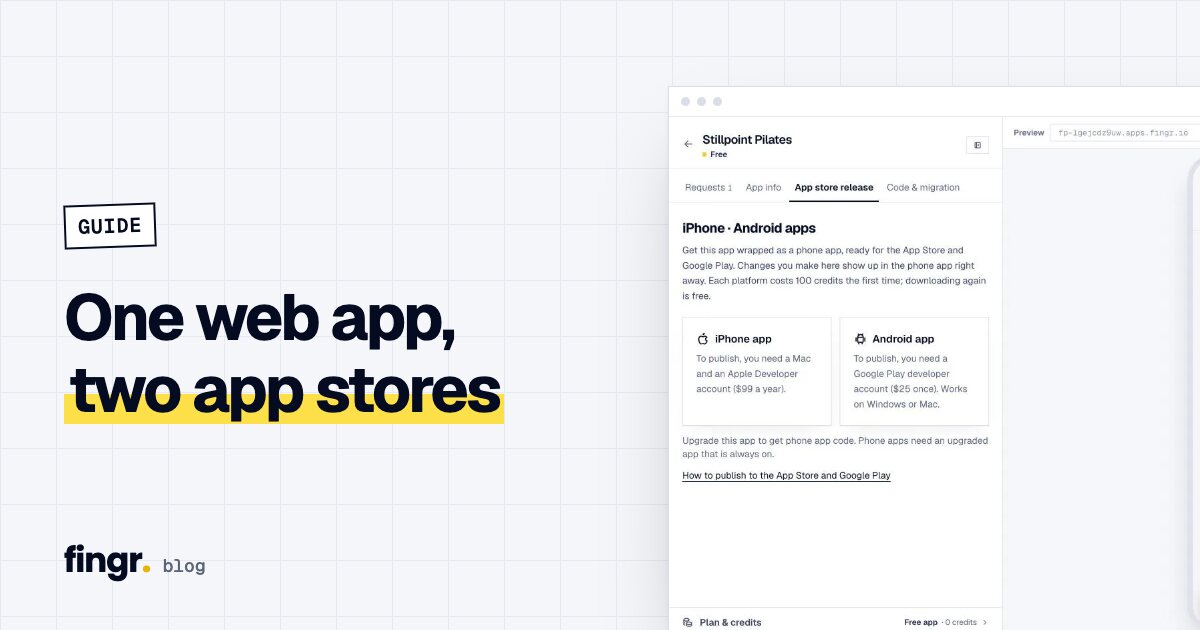
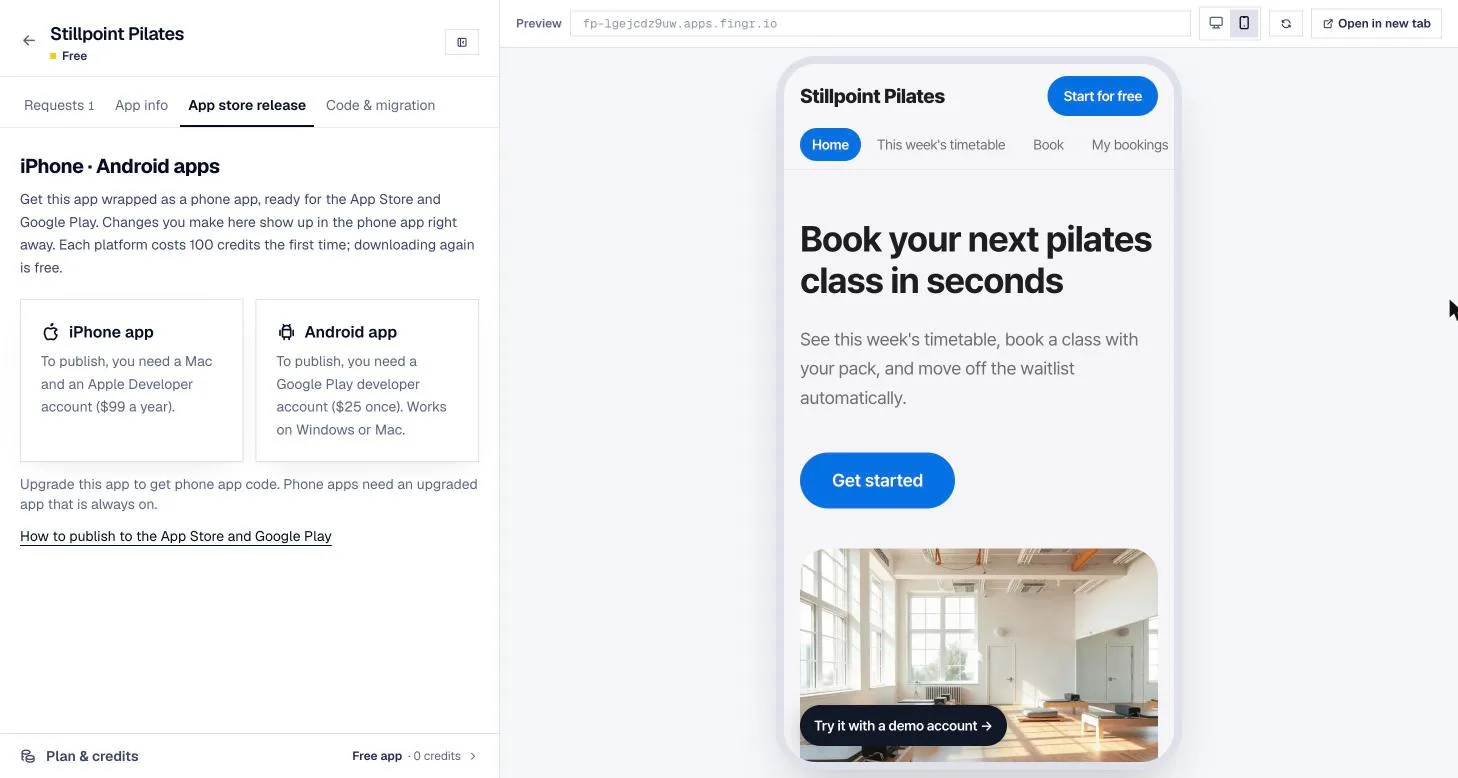
- Once you upgrade the app, open its App Store tab and get the iPhone (Xcode) and Android projects for 100 credits per platform. The app name, bundle ID, brand color, and icon are filled in. The app uses your web app's own menu with no extra bar on top, and swipe-to-go-back works. Re-downloading for the same app is free.
- You publish to the stores yourself. fingr's release guide walks through it from creating accounts to uploading.
- After launch, describe changes in fingr and they show up in the store apps right away.
When fingr fits — and when something else is better
fingr is a good fit when:
- Your app is about screens and saved data: booking, ordering, memberships, rewards, team management
- You want to test on the web first and ship phone apps later
- You need to keep improving the app without a dev team
Something else is better when:
- The core is 3D games, AR, Bluetooth hardware, or heavy offline work. Hybrid isn't built for that — you'll want native development.
- You want someone to handle store submission and review for you. fingr gives you the app projects, but you publish under your own developer accounts, and there are no refunds if a store rejects the app.
Start with the web app. You can build one app with free credits, no credit card needed. Describe your idea and get started
FAQ
Why build a web app before a mobile app?
A web app works the moment you share a link, so you learn quickly whether customers use it, and changes don't wait on store review. Once people are using it, you wrap the same screens in a native shell and publish — no second build.
How much does it cost to publish on the App Store and Google Play?
The Apple Developer Program is $99 per year and a Google Play developer account is a one-time $25. You pay those directly to Apple and Google.
Do I need a new store review every time I change a screen?
Not with a hybrid app. Changes to the web app show up in the store apps right away. You only resubmit when you change the shell itself — the app name, icon, or permissions.
How do I get iPhone and Android apps from fingr?
Once an app is upgraded, open its App Store tab and get the project for each platform for 100 credits. Downloading it again for the same app is free.
Start your app with one sentence
Answer a few questions, see the screens first, then turn them into a real app. You can build one app with free credits.