Hybrid vs Native vs Cross-Platform Apps: Which Fits Your Business? (2026)
Native, cross-platform (React Native, Flutter), and hybrid apps compared on cost, timeline, and how updates ship — explained for non-developers, with a simple way to choose.
· 7 min read
Key takeaways
- Native apps give the best performance and full access to phone features, but you build iPhone and Android separately, so they cost the most.
- Cross-platform apps (React Native, Flutter) use one codebase for both phones. Good performance, but you still need a mobile developer.
- Hybrid apps wrap one web app in a native shell, so a single product covers the web, iPhone, and Android. Screen changes ship without store review.
- Booking, ordering, membership, and internal-ops apps are usually fine as hybrid.
- 3D games, AR, and Bluetooth-device apps should go native or cross-platform.
The three approaches in one sentence each
Talk to any app agency and you'll hear the question: "Native or hybrid?" It sounds technical, but the difference is simple.
- Native app: built twice — once in Apple's language (Swift) for iPhone, once in Google's (Kotlin) for Android.
- Cross-platform app: written once with a tool like React Native or Flutter, then exported as both an iPhone and an Android app.
- Hybrid app: you build a web app first, then wrap its screens in a thin native shell and publish that shell to the stores. Same screens on the web and in the app.
Side by side
| Native | Cross-platform | Hybrid | |
|---|---|---|---|
| Codebases | 2 (plus a separate website) | 1 mobile (web usually separate) | 1 web app for web, iPhone, Android |
| Who builds it | iOS dev + Android dev | Mobile developer | Web developer (or an AI app builder) |
| Cost and timeline | Highest | Medium | Lowest |
| Shipping changes | Store review every time | Store review, mostly | Update the web app, live right away |
| Smoothness | Best | Very good | Plenty for business and booking apps |
| Camera, push notifications | Yes | Mostly | Basic features, yes |
| 3D, AR, Bluetooth devices | Strongest | Possible | Weak |
Native: best quality, biggest bill
Native apps are built with the official tools from Apple and Google. They scroll and animate the most smoothly, and they can use everything the phone offers — camera, location, Bluetooth, health data.
The catch is cost. You pay for two apps, plus a website if customers also need one. Every feature gets built two or three times. And every update waits for store review, so even a typo fix can take a day or two to reach users.
Go native when:
- You're building a mobile game or an AR experience
- The app controls hardware over Bluetooth (scales, door locks, sensors)
- People will use heavy features offline for long stretches (offline maps, video editing)
- The app is the business and you already have an engineering team
Cross-platform: one codebase, two stores
React Native (from Meta) and Flutter (from Google) are the big names. You write the app once and get both phone apps. Performance is close to native, which is why many startups pick this route.
It's still app development, though. You need someone who knows mobile, most updates still go through store review (there are workarounds for pushing some changes, with limits), and if you need a website too, that's usually a separate build.
Go cross-platform when:
- The in-app experience is your product, but two native teams are out of budget
- You have one or two mobile developers
- You're confident almost all usage will be on phones, not the web
Hybrid: one web app, three places
A hybrid app starts as a web app. A native shell opens those web screens inside a real app with an icon on the home screen.
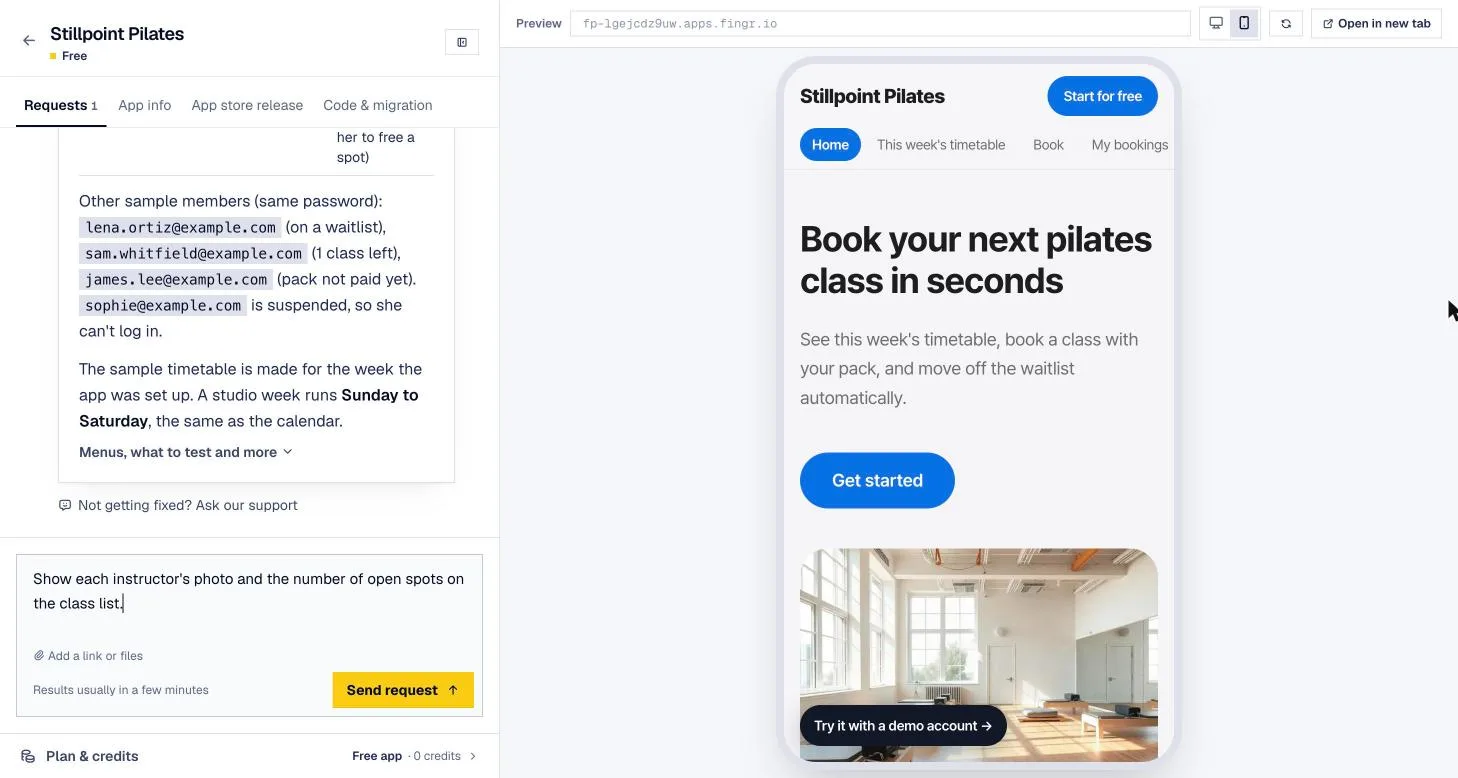
The big win is how easy it is to change things. Rename a menu, add a screen, tweak a price — update the web app and the web, iPhone, and Android versions all change at once. No new store review. You only resubmit when you change the shell itself: the app name, icon, or permissions.
Why hybrid used to have a bad name
You may have heard "hybrid apps feel slow and fake." That reputation came from apps that just loaded a website in a phone frame. Every tap flashed white, the back button acted strangely, and Apple's App Review Guidelines (section 4.2) say apps that are basically a repackaged website can be rejected.
Modern hybrid apps are built differently:
- Screen transitions animate like a native app, and swipe-to-go-back works.
- Screens are designed for phones from the start — bottom tabs, big tap targets.
- Push notifications and the camera are wired up through the native shell.
Products like Basecamp and HEY are known to run this way — web screens inside native shells. Done well, most users can't tell.
Go hybrid when:
- You're building booking, ordering, memberships, loyalty, community, or internal tools
- Some customers come from the web and some from the app
- You'll keep changing screens and features after launch
- You're a small business owner or solo founder without a dev team
What about PWAs?
A PWA (progressive web app) is a web app people install with "Add to Home Screen" — no store at all. It's the easiest to build, but iPhones still limit some features, and customers have to know how to install it. If you want people to find you by searching the App Store, a hybrid app in the stores is the better bet.
Three questions to decide
- Does the app depend on deep phone features? If 3D, AR, Bluetooth hardware, or heavy offline use is the core, go native or cross-platform. If not, keep going.
- Will people use it on the web too? If you manage things on a laptop and customers book on their phones, building a web app first and wrapping it covers both.
- Will you change it often after launch? Early products change almost weekly. If waiting on store review for every tweak sounds painful, hybrid is easier.
Most small-business apps answer "no" to the first question and "yes" to the other two. For those, the cheapest and fastest path is: web app first, phone apps second. We walk through that order step by step in From one web app to iPhone and Android apps.
When fingr fits — and when something else is better
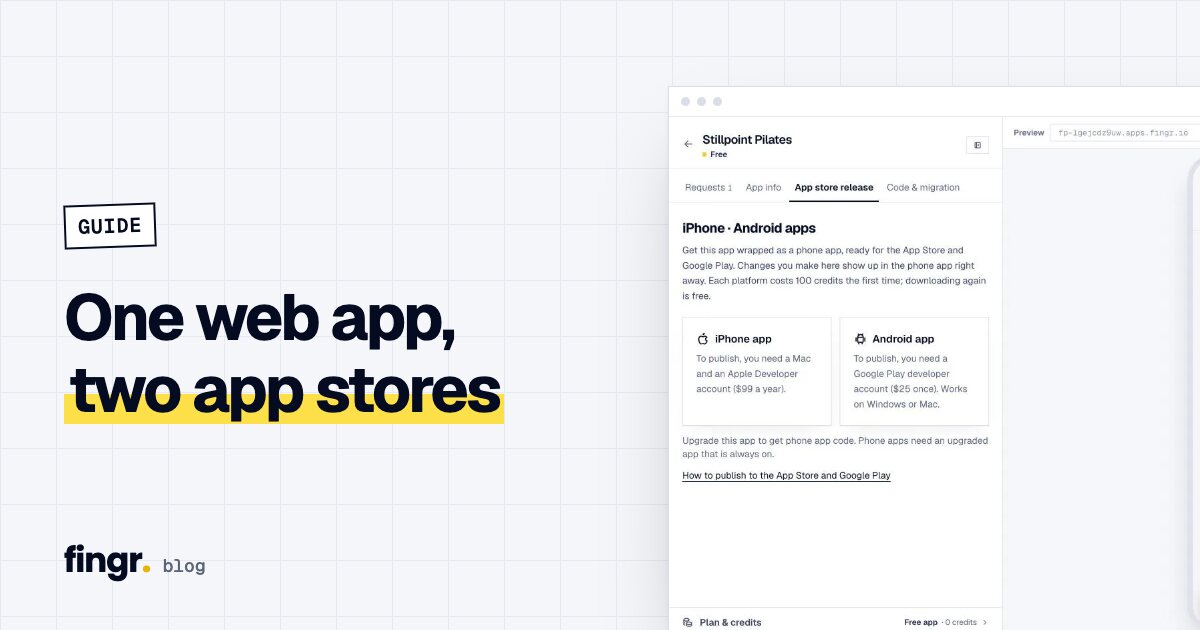
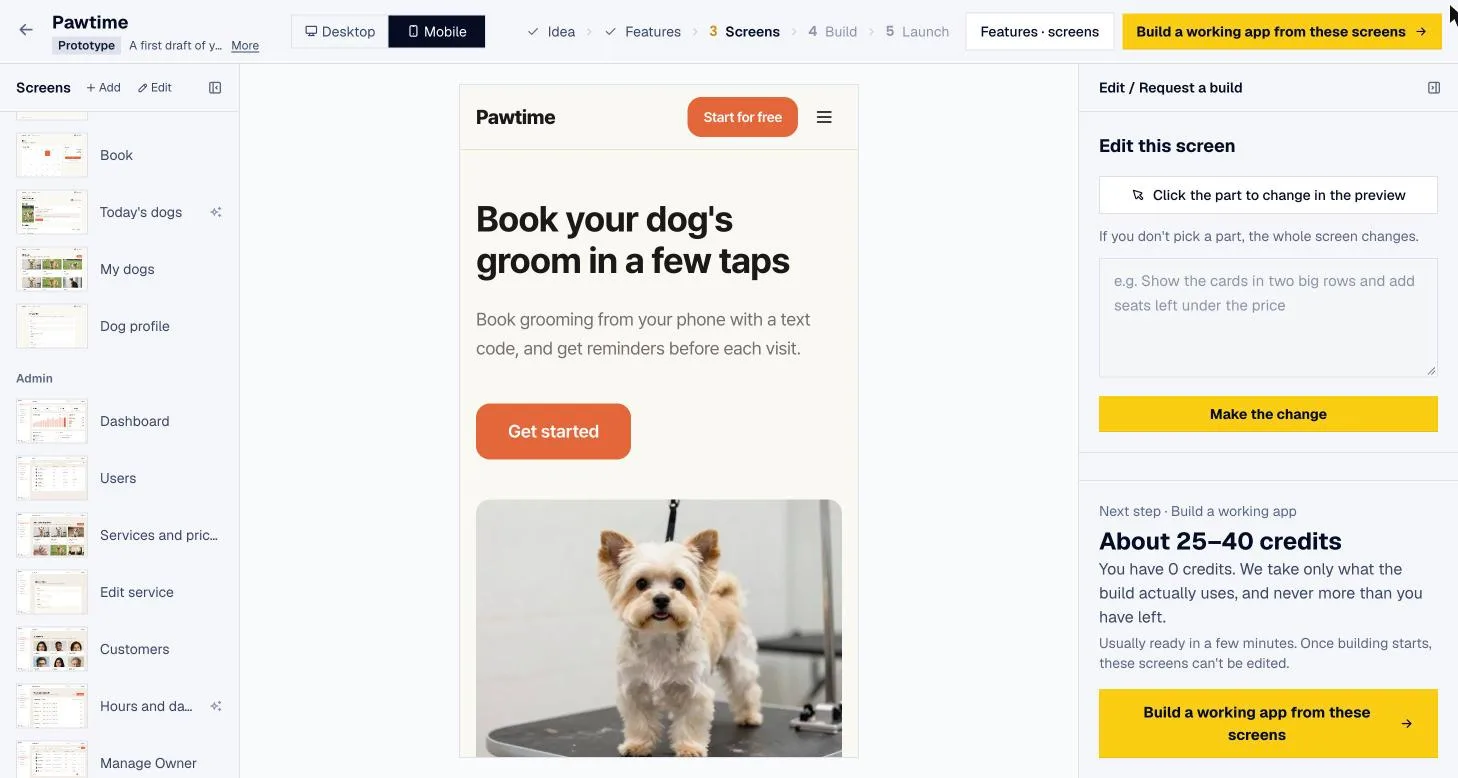
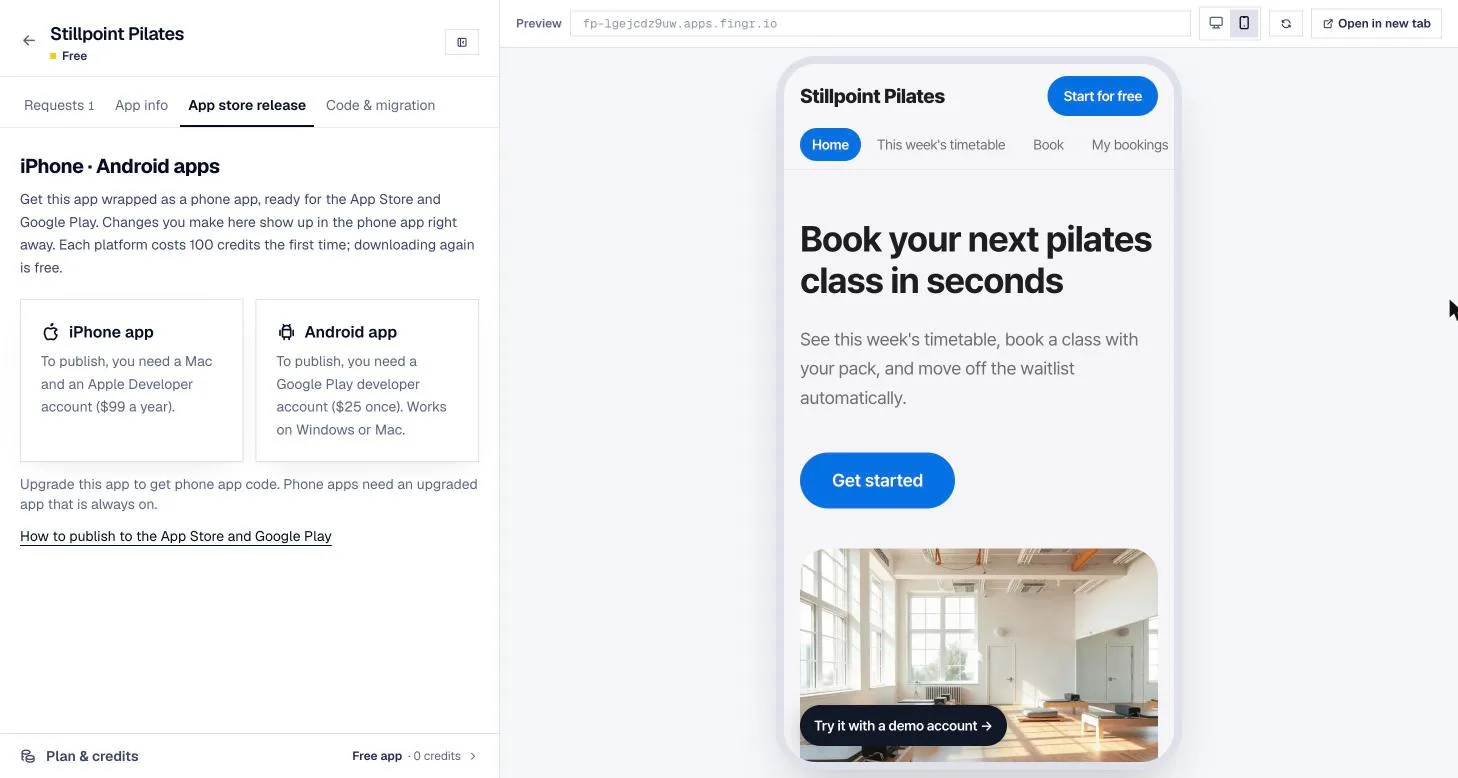
fingr builds your web app first. Once you upgrade an app, you can get the iPhone and Android app projects for 100 credits per platform. It's the hybrid approach — your web screens inside a native shell — and the projects come with your app's name, icon, and brand color already filled in. When you change the web app in fingr, the store apps show the change right away.
fingr is a good fit for:
- Booking, ordering, membership, and team-management apps
- Getting both a web app and phone apps without hiring developers
- Changing your app after launch just by describing what you want
Something else is a better fit for:
- 3D games, AR, Bluetooth device control, or heavy offline features. fingr's hybrid approach isn't built for those — look for a native or cross-platform team.
- Also note that you publish to the stores yourself (Apple Developer Program is $99/year, Google Play is a one-time $25). The release guide in fingr's help pages walks you through it.
Before choosing an approach, it helps to pin down what you're building. In fingr you describe your idea in a sentence or two, answer a few questions, pick features, and see real screen designs — free. You can build one app with free credits, all the way to a working app. Describe your idea
FAQ
Can a hybrid app be published on the App Store and Google Play?
Yes. A hybrid app — a web app wrapped in a native shell — can be listed on both stores. Apple may reject apps that simply wrap a website, so the app needs app-like navigation and screens designed for phones.
What should I use for a booking, ordering, or membership app?
If the app mostly shows information and saves what people enter, hybrid is usually enough. One web app covers the web, iPhone, and Android, and screen changes go live without a new store review.
When do I really need a native app?
When the app leans hard on the phone itself: 3D games, AR, controlling Bluetooth devices, or heavy offline work. Those are better built native or cross-platform.
How is cross-platform different from hybrid?
Cross-platform tools like React Native and Flutter compile one mobile codebase into iPhone and Android apps. They perform better than hybrid apps but need a mobile developer, and most updates still go through store review.
Start your app with one sentence
Answer a few questions, see the screens first, then turn them into a real app. You can build one app with free credits.