Building a Small Business Website: Do You Need an App or Just a Website?
If customers only look around and get in touch, a website is enough. Here's how to tell the two apart, what every small business website needs, and how not to miss an inquiry.
· 3 min read
Key takeaways
- If customers only look around and contact you, you need a website, not an app.
- A small business website needs: who you are, featured products with photos and prices, hours and location, and a way to get in touch.
- Leave out customer sign-up. Only you log in, to the admin.
- Inquiries should land in your admin and your inbox, so none slip through.
- Add booking or ordering when you actually need it.
First, decide: app or website?
There's one question to settle before building. Do customers sign up or log in to do something?
| What customers do | What you need | Examples |
|---|---|---|
| Look around, call or send an inquiry | A website | Florist, café, accountant, contractor |
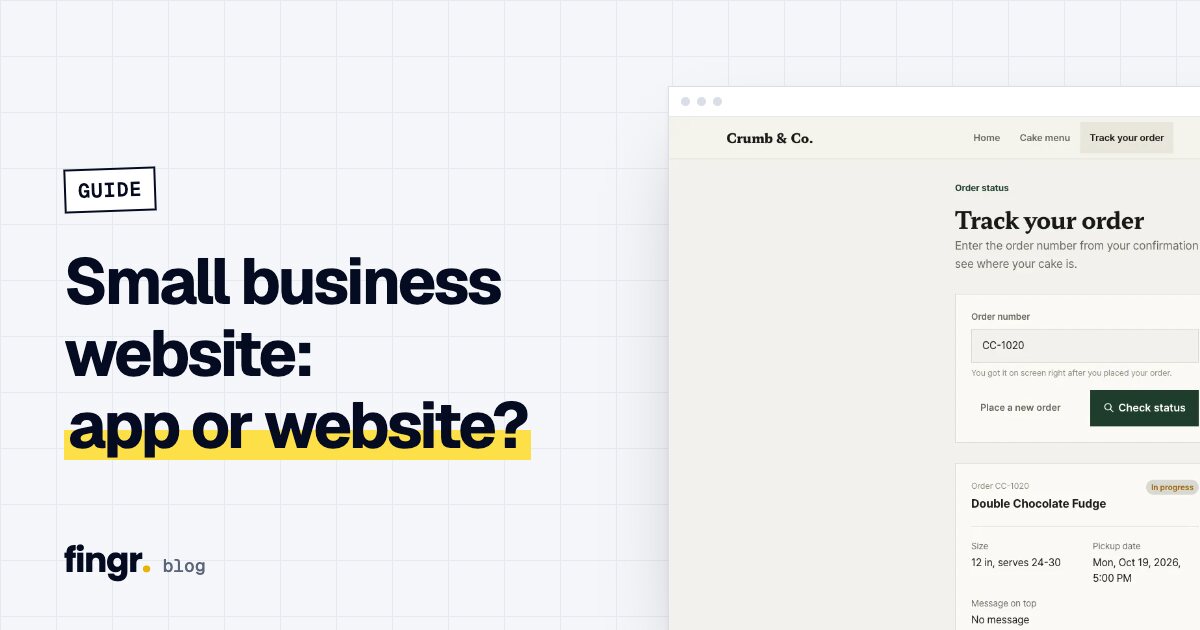
| Book or order, then check the status | An app for your customers | Salon booking, cake orders, laundry pickup |
| Sign up and post things for each other | A service anyone can join | Local marketplace, community |
Build a website like an app and you get sign-up, login, account and user-management screens you don't need. Visitors hesitate at the sign-up button, and you end up maintaining screens nobody uses.
What every small business website needs
- A one-line headline — what you sell, at a glance. For example: "Bouquets made for the day you need them."
- Featured products or menu with photos and prices — about six is plenty. Leave out prices and you'll get twice the questions.
- Hours and days off — editable from your admin for holidays and seasonal closures.
- Location — the address, one line on how to find you, and a link that opens a map app.
- How to reach you — call and message buttons plus an inquiry form that asks only for what you need (name, phone, preferred date, message).
Don't miss an inquiry
With inquiry forms, the receiving end matters more than the sending end.
- One place for everything — an inquiry list in your admin with statuses like New · Contacted · Done.
- Instant notice — an email to you the moment someone writes. If the visitor left an email, replying to that notice should reach them.
- Privacy — you're collecting names and phone numbers, so you need a privacy policy page.
Building it with fingr
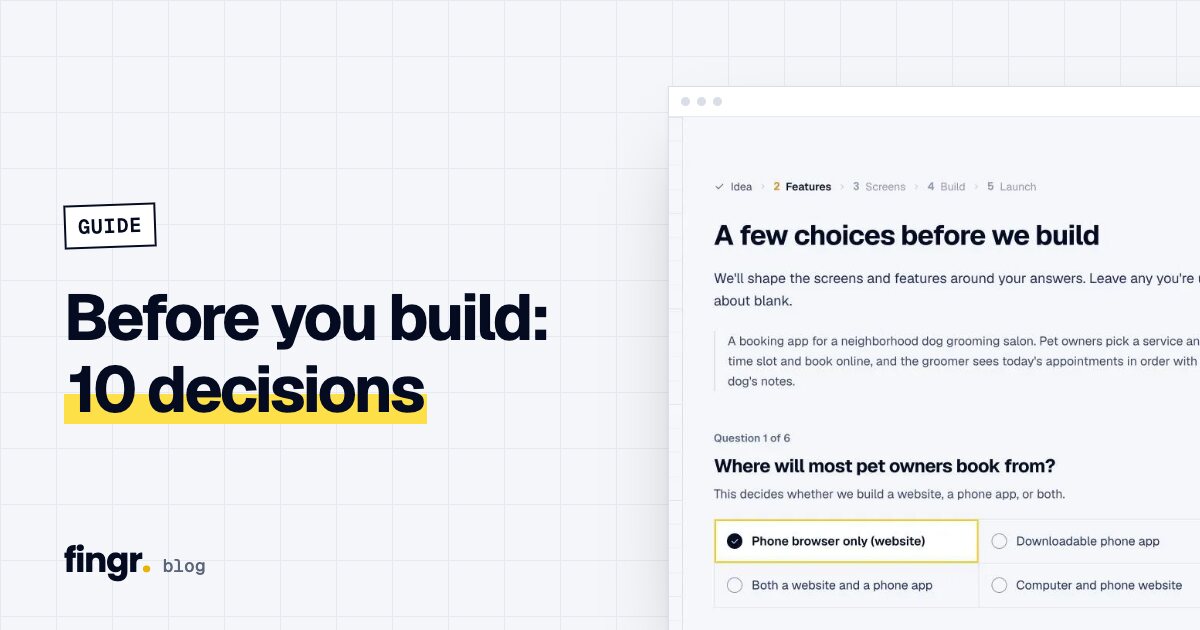
Describe it on fingr — "A website for my bakery: our story, six cakes with photos and prices, hours and map, and an order inquiry form" — and it's built as a website. If your description doesn't make it clear, the first question asks.
- No customer sign-up or login screens: a few public pages plus your admin.
- Inquiries land in your admin and email you right away, with no email service to set up.
- Without member and payment screens, it uses fewer credits than an app.
- Need booking or ordering later? Ask for it in one line.
FAQ
What's the difference between a business website and an app?
Whether customers sign up or log in to do something. If they browse and get in touch, it's a website. If they book, order, collect points or check their history, it's an app.
Does a website need an admin dashboard?
Yes. You need one to read inquiries, mark them handled, and update your menu, prices and photos yourself. Visitors don't sign up — only you log in.
How do I know when someone sends an inquiry?
It shows up in your admin and you get an email. Websites built with fingr email the owner without you signing up for an email service.
Can I add booking or ordering later?
Yes. Start with a website, and when you need booking or ordering, ask for the feature and grow it into an app.
Start your app with one sentence
Answer a few questions, see the screens first, then turn them into a real app. You can build one app with free credits.