How to Build a Web App Efficiently: Plan, Design, Then Code
Jumping straight into code is the most expensive way to build a web app. Here's why planning and research, then design, then development saves time and money, with AI too.
· 6 min read
Key takeaways
- Building a web app in the order plan and research → design → develop keeps rework to a minimum.
- The same change costs one sentence during planning, one screen during design, and a tangle of data, permissions and screens after the app is built.
- AI doesn't remove the need for this order. It builds fast, but it fills gaps with guesses.
- fingr follows this order on purpose: questions, optional research, feature selection and screen design all happen before any code is written.
Why "let's just build it" gets expensive
Say you want a booking app for your studio. "Customers pick a time and book" sounds like enough. Then the questions start showing up after launch:
- Do customers need an account, or just a name and phone number?
- Do you take a deposit online, or do they pay at the studio?
- If you have several instructors, does each one have their own schedule?
- Where do you see bookings, and who's allowed to cancel them?
Each answer changes screens and data. Switch to "no account needed" and the login screen goes away, customers need a new way to find their booking, and your customer list in the admin area changes shape. If the app is already built, every one of those spots needs rework.
Answer the same questions up front and each decision is a single line in a plan. Software people have said for decades that changes get more expensive the later you make them. The exact multiplier varies by project, but the direction never does.
Step 1: Plan and research
Planning doesn't mean a 40-page spec. If you can answer these five questions, you're in good shape:
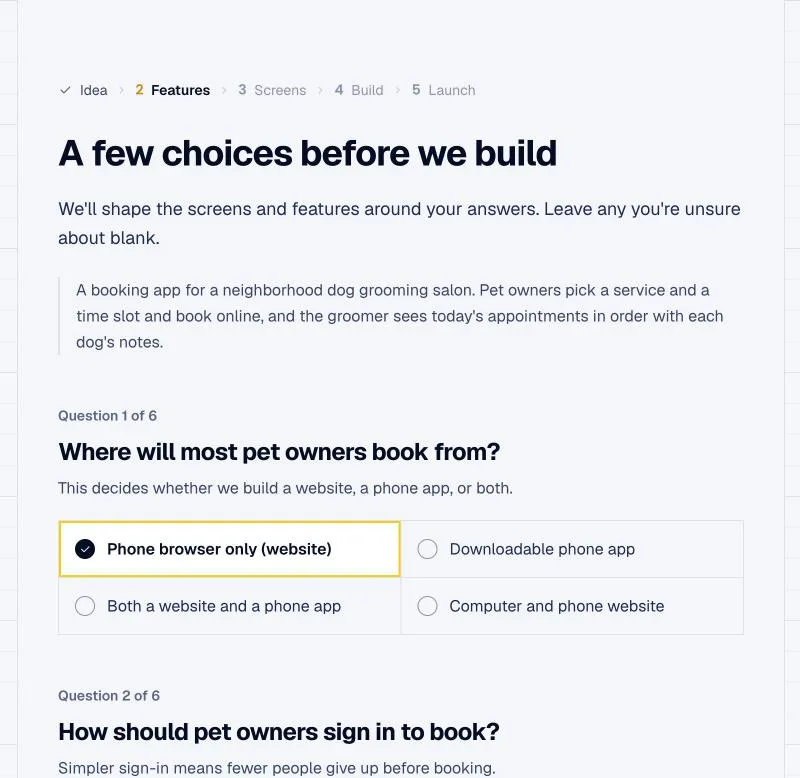
- Who uses it? Just your team, your existing customers, or anyone on the internet who signs up?
- What's the core action? Booking, ordering, tracking members, requesting quotes. Pick one or two.
- How does it make money? Online checkout, pay in person, a monthly subscription, or nothing because it's an internal tool?
- What similar products exist, and what do they charge?
- What does the person running it need to see? New bookings, open orders, revenue.
Questions 1 and 3 matter most. "Who uses it" decides how people get in (open sign-up, invite only, or no account at all). "How does it make money" decides whether there's a checkout flow at all.
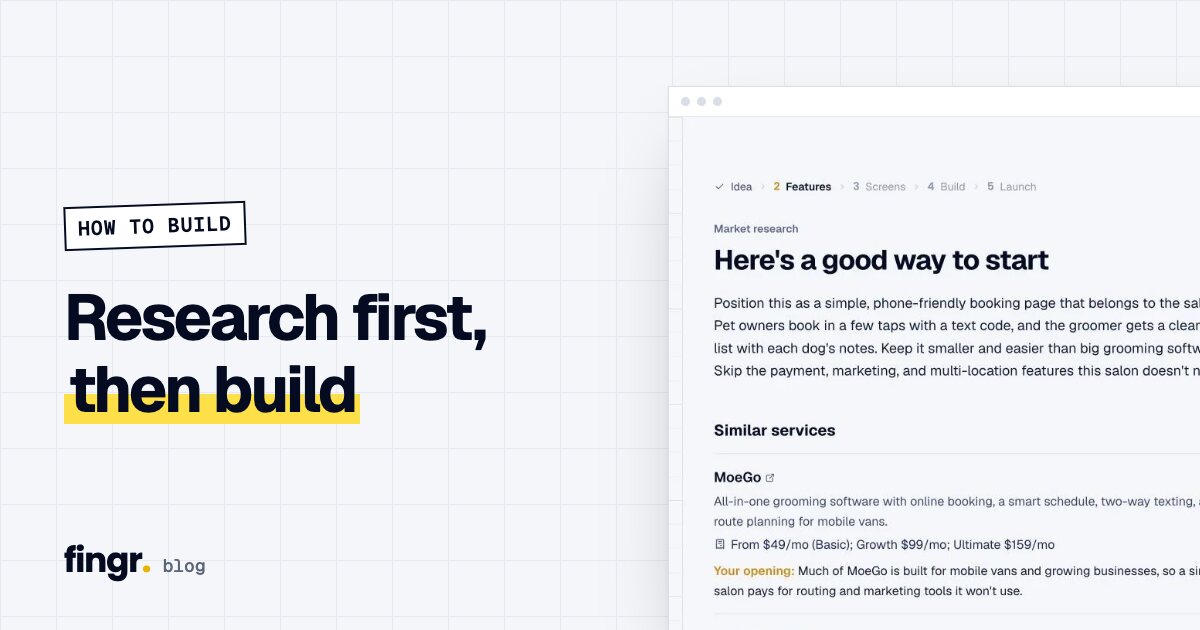
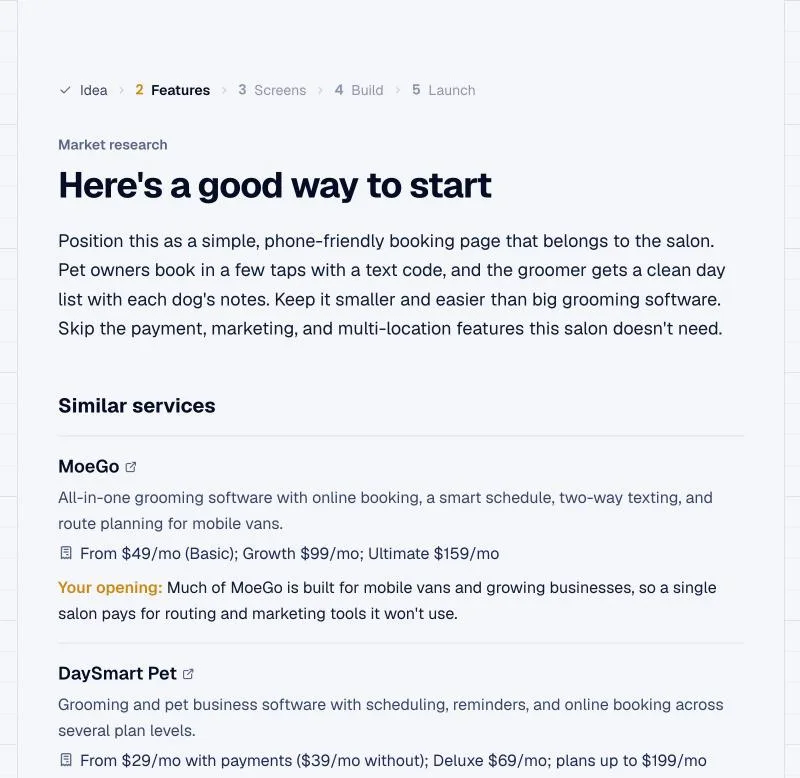
Question 4 is research. If competitors exist, their pricing, their pitch and their customers' complaints tell you a lot about what to include and what to skip. There's a full walkthrough in Do market research before you build.
Step 2: Design the screens before writing code
Once the plan feels solid, it's tempting to jump to development. There's one more step worth taking first: draw the actual screens.
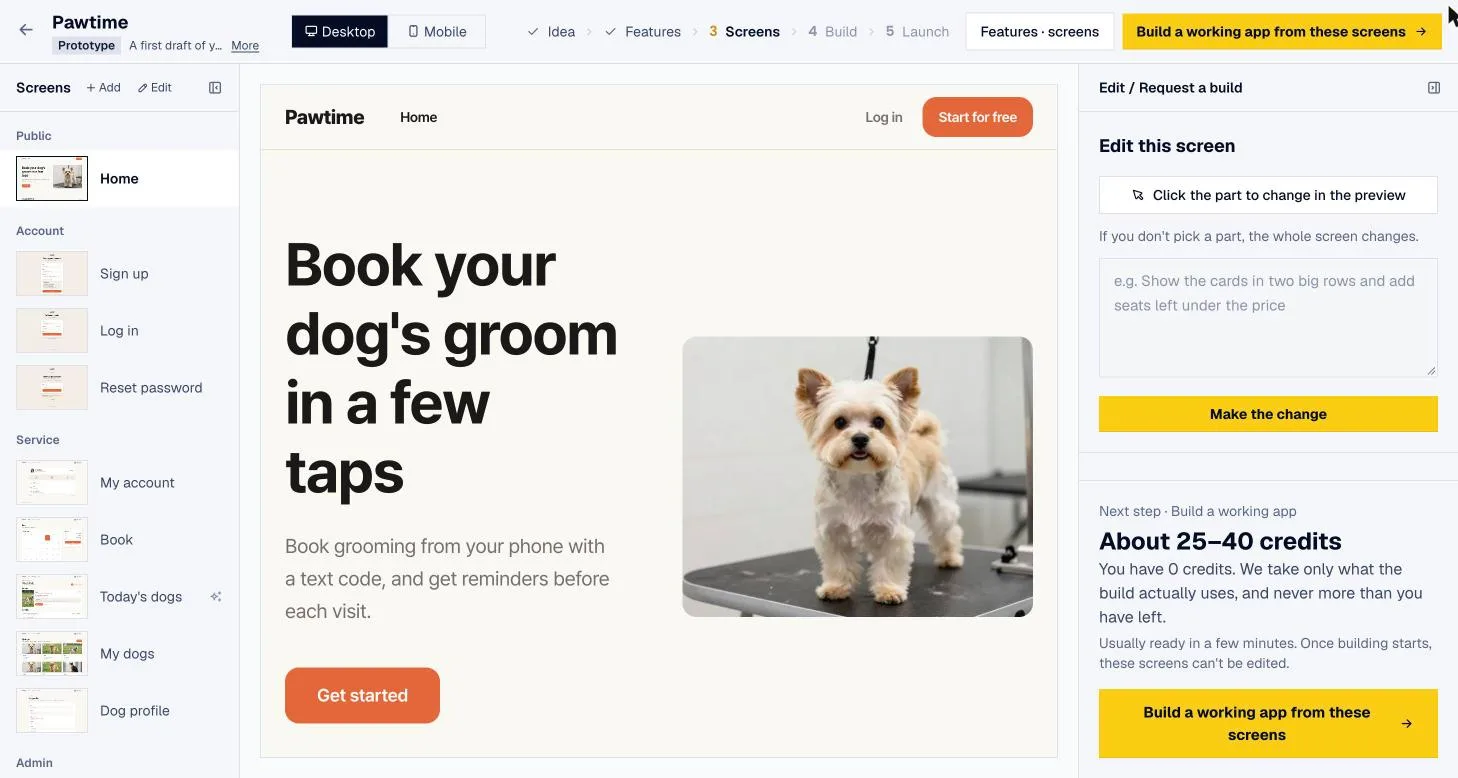
Things you agreed on in words look different on a screen. You wrote "today's bookings on the home screen," and then the mockup shows a weekly calendar would work better. Catching that now means editing one screen, not rebuilding a feature.
What to settle during design:
- The list of screens and how people move between them
- What information and buttons each screen shows
- Colors, fonts and overall feel
- How it all looks on a phone
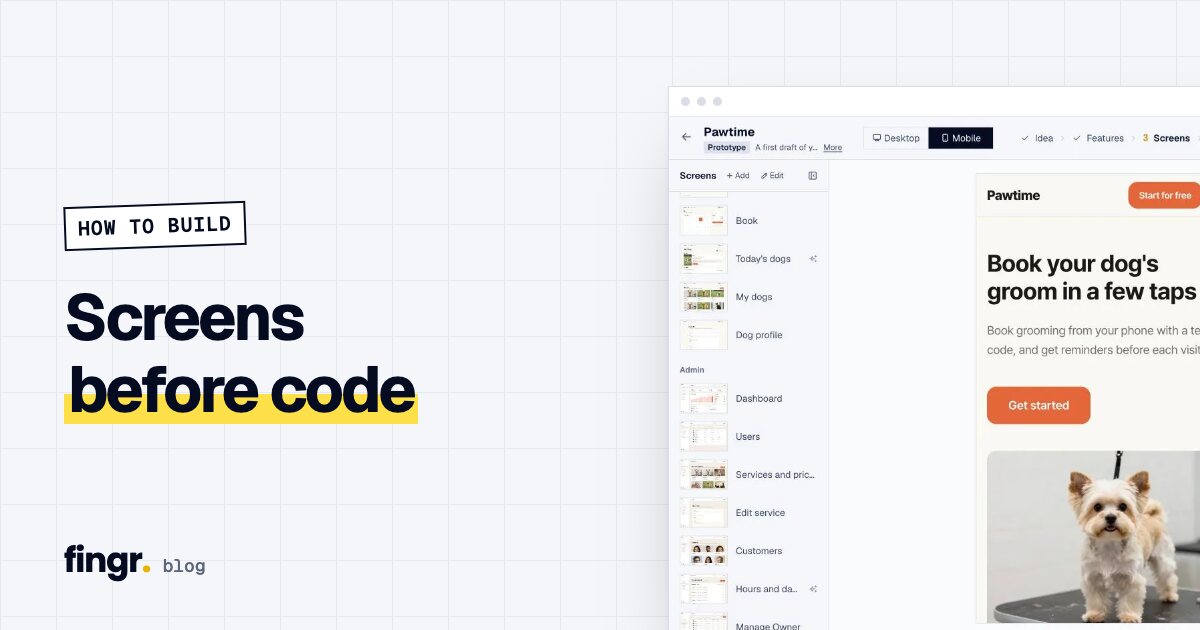
We go deeper on why this saves money in Screens before code.
Step 3: Build what you decided
Development turns the plan and the screens into something that works: sign-up and login, saved data, payments, emails, an admin area, and permissions (who can see what).
With the first two steps done, development stops being "what should we build?" and becomes "build exactly this." That's true whether a developer or an AI is doing the work.
After it's built, check a few things before real customers arrive:
- Logged-out visitors can't see anyone else's personal details
- Regular members can't open the admin area
- Buttons work and text doesn't get cut off on a phone
Doesn't AI make this order unnecessary?
It's the opposite. AI app builders show you a screen seconds after you type a sentence, which makes it very easy to skip planning. But when the AI doesn't know something, it guesses. Type "booking app" and it decides on its own whether customers need accounts and whether there's a checkout. When the guess is wrong, you spend the next hour (and the next batch of credits) correcting it. How each tool charges for those corrections is in AI app builder pricing compared.
| Code first | Plan and design first | |
|---|---|---|
| Time to first result | Very fast | A bit longer |
| Chance the first result is what you wanted | Depends on guesses | High |
| Corrections afterward | Usually many | Few |
| Big decisions like payments and sign-up | Changed after the fact | Settled before building |
How fingr follows this order
fingr walks you through all three steps on screen:
- Describe your idea in a sentence or two. You can add a link to a similar product or attach a brief (PDF, Word, PowerPoint, images).
- Answer a few questions. fingr only asks the ones that change the outcome, including business questions like who it's for and how it makes money.
- Optional market research. An AI searches the web and summarizes similar products, what they charge, a suggested revenue model, must-have features and things to watch out for. It usually takes about a minute, and US-focused research uses US companies and dollar pricing.
- Pick features. fingr suggests features and screens; you switch them on or off and choose a design template.
- Edit the screen designs. Real screens appear, and you change wording, layout, colors and fonts while looking at them.
- Build the real app. Click "Build the real app with this design" and fingr builds a working web app that matches those screens, with sign-up, saved data and payments. It usually takes a few minutes, and an admin area is included from the first version.
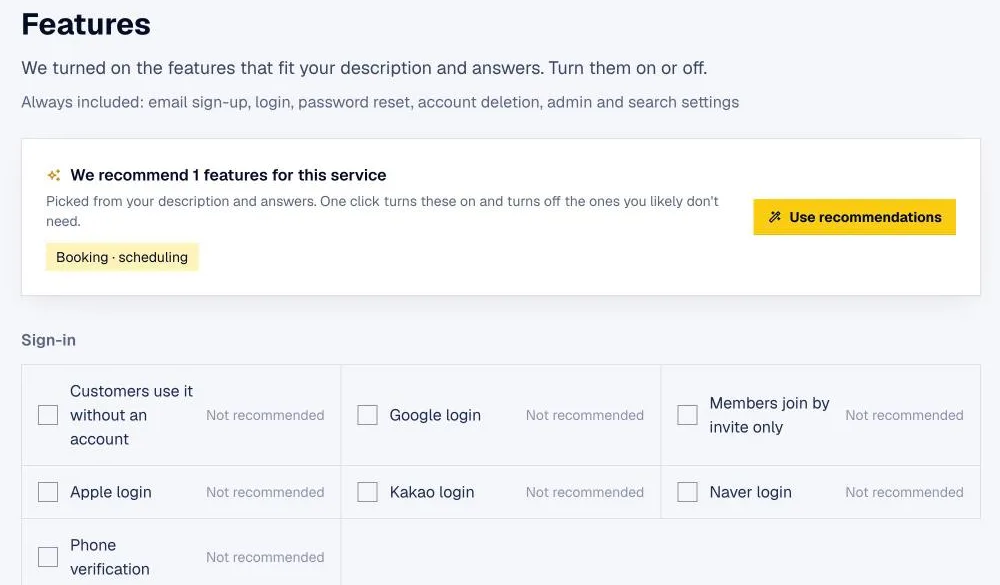
Before handing it over, fingr runs its own checks: no open sign-up page on invite-only apps, no one else's personal records visible to the wrong person, no admin area open to regular members. If something fails, it fixes it and checks again.
When another approach fits better
- You want to iterate on screens in seconds. Lovable or v0 update the preview almost instantly. fingr takes a few minutes to build the real app.
- You're a developer who wants to edit code line by line. fingr has no code editor. On a paid app you can download the code and work on it elsewhere.
- You're planning for hundreds of thousands of concurrent users or deep integration with internal systems. You'll need an engineering team eventually. fingr works well as the place to validate the idea first and then take the code with you.
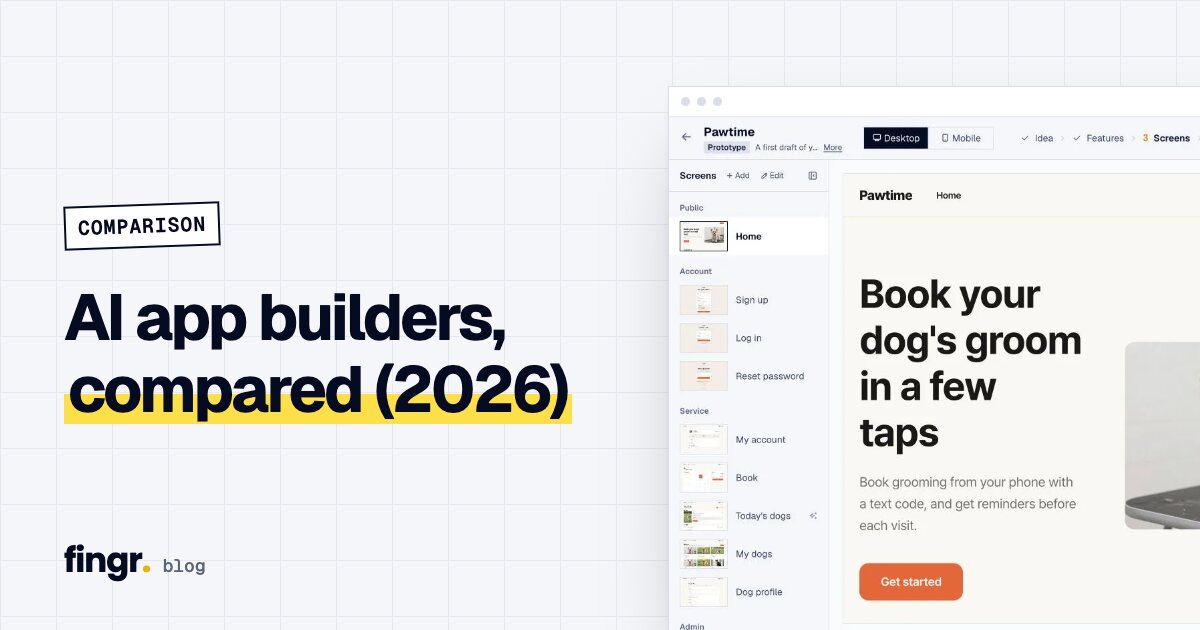
For a side-by-side look at the main tools, see AI app builders compared (2026).
Try it
You don't need to write a spec. Describe the app you want in a sentence or two, and fingr asks what it needs to know, then takes you through planning, design and the build in order. You can build one app with free credits, no credit card required. Start with your idea.
FAQ
What's the best order for building a web app?
Plan and research first (who uses it, what it does, how it makes money), then design the screens, then build the working app. That order means the fewest do-overs.
What goes wrong if you skip planning and start coding?
You discover what you actually wanted after it's built. Changing one screen at that point often means changing the data, the permissions and several other screens too.
Do I still need to plan if an AI is building the app?
Yes. AI builds exactly what it's told, fast. A vague request just gets you a vague app faster, and on most tools every correction costs credits.
How does fingr handle this process?
You describe your idea, answer a few questions, optionally get market research, pick features, edit the screen designs, and then fingr builds the real app. You can build one app with free credits.
Start your app with one sentence
Answer a few questions, see the screens first, then turn them into a real app. You can build one app with free credits.