Replit vs fingr: Do You Need a Dev Environment or a Finished App?
Replit vs fingr compared on who they're for, how you build, how predictable the cost is, and what you get for running an app day to day.
· 5 min read
Key takeaways
- Replit is a browser-based development environment (editor, terminal, database, hosting) with Replit Agent writing code inside it.
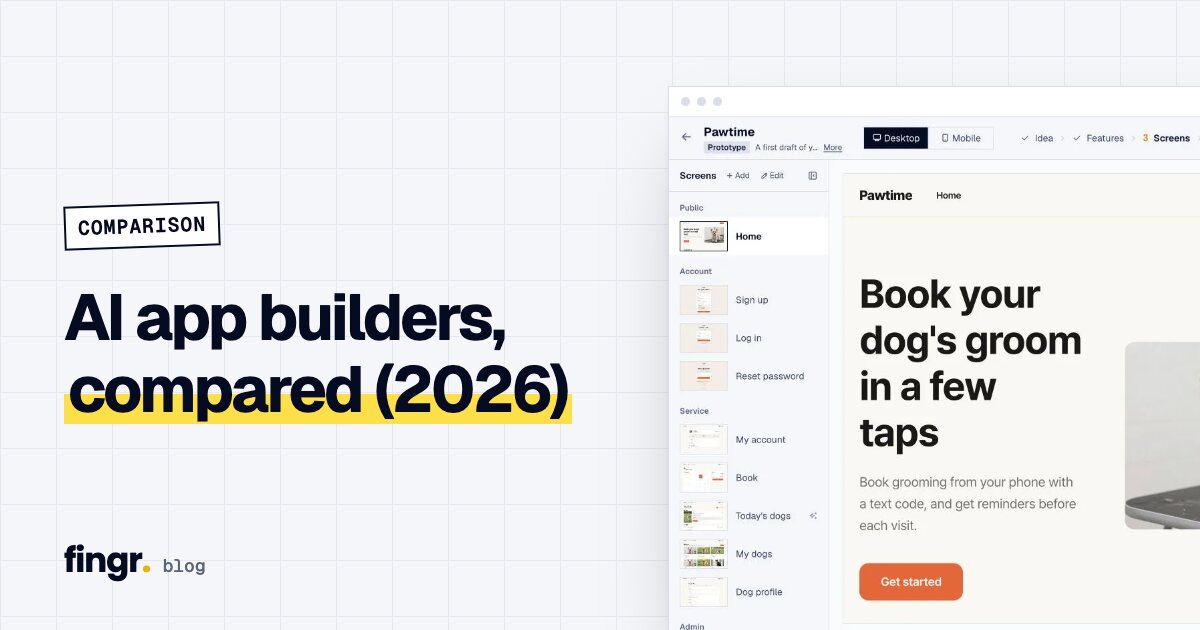
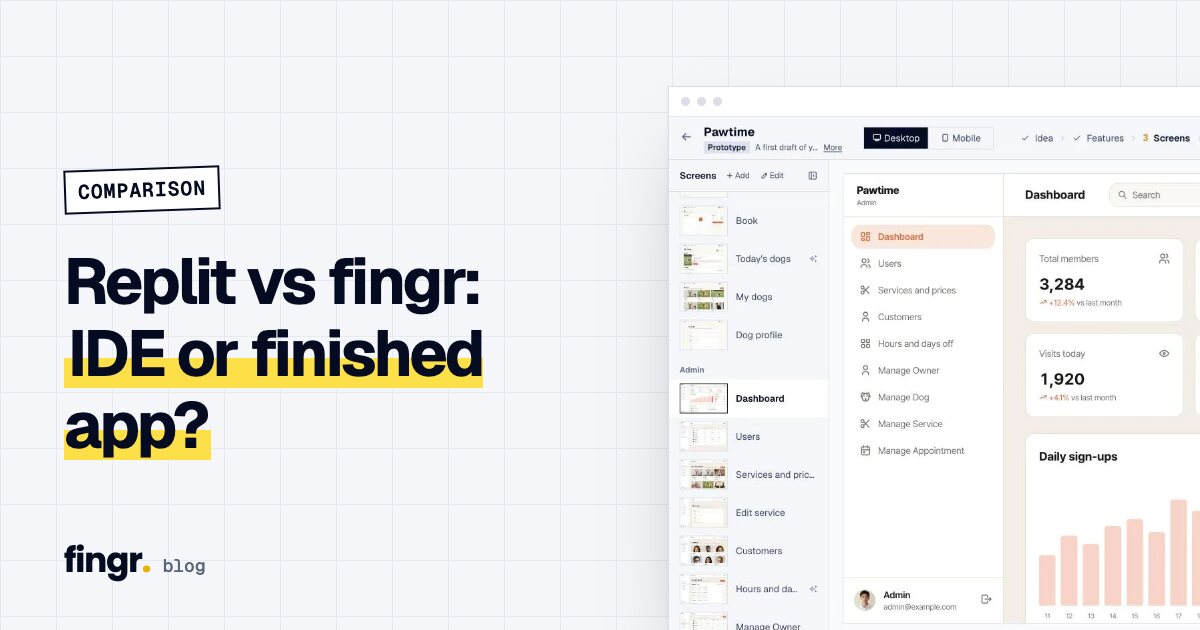
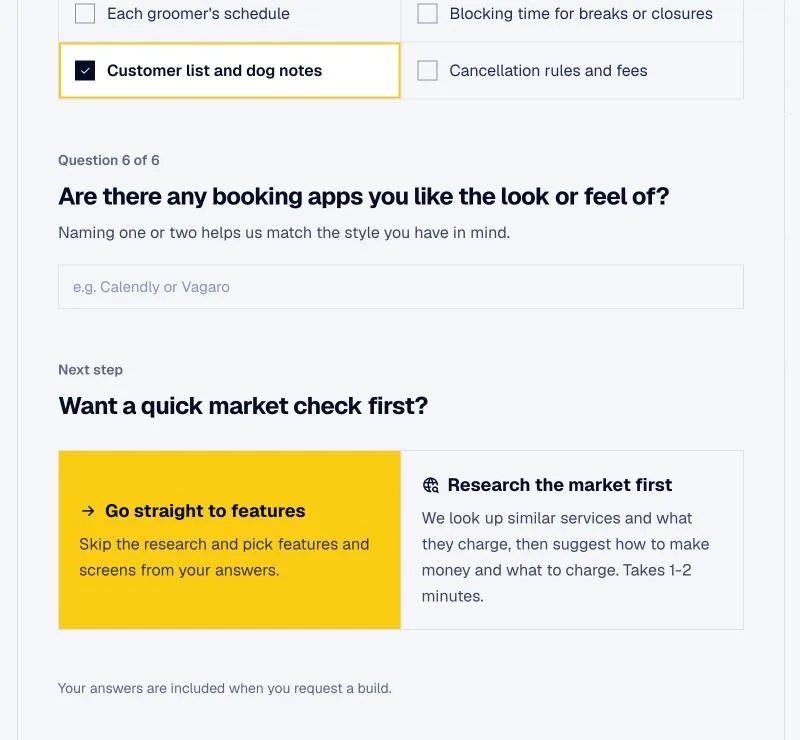
- fingr doesn't show you a dev environment. It takes you through questions and screen designs, then builds and hosts an app with an admin dashboard.
- Replit lets you pick almost any language or stack. fingr picks the stack for you but includes what you need to run the app.
- Replit's effort-based billing makes monthly costs hard to predict, according to many users. fingr shows a maximum quote before every change.
They're built for different people
Replit started as a tool for people who write code. Open a browser and you can write and run a program, which made it popular in classrooms and with beginners. Now Replit Agent can take a plain-English request, plan it, write the code, run it and deploy it.
fingr was built from day one for people who don't code: small business owners, solo founders, product planners. They need an app, but they have no reason to manage a dev environment. So fingr shows questions and screens, not files.
That difference shows up in almost every row below.
Side-by-side
| Replit | fingr | |
|---|---|---|
| Built for | Learners, developers, teams with a developer | Business owners, solo founders, planners, marketers |
| What you see | Code editor, file tree, terminal, preview | Questions, feature list, screen designs, finished app |
| Planning | Plan Mode available | Business questions, optional market research, feature picking, screen design |
| Stack | Nearly any language or framework | Chosen by fingr, not configurable |
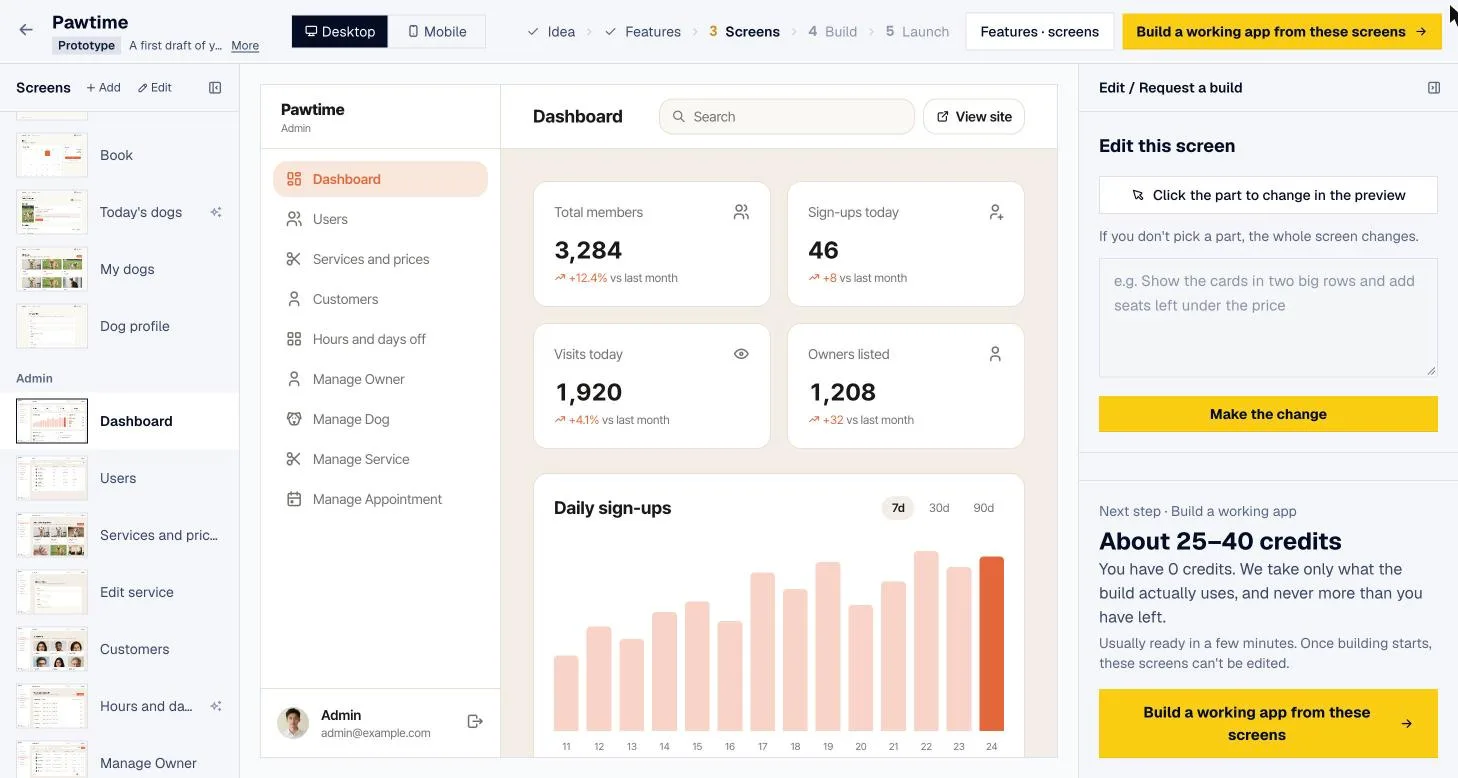
| Admin dashboard | Build it if you ask | Included from version one |
| Security checks | Your responsibility | Automatic checks and fixes before handoff |
| Hosting | Replit deployments (always-on costs extra) | Hosted by fingr; paid apps stay on |
| Code | Edit any time | Download on paid apps |
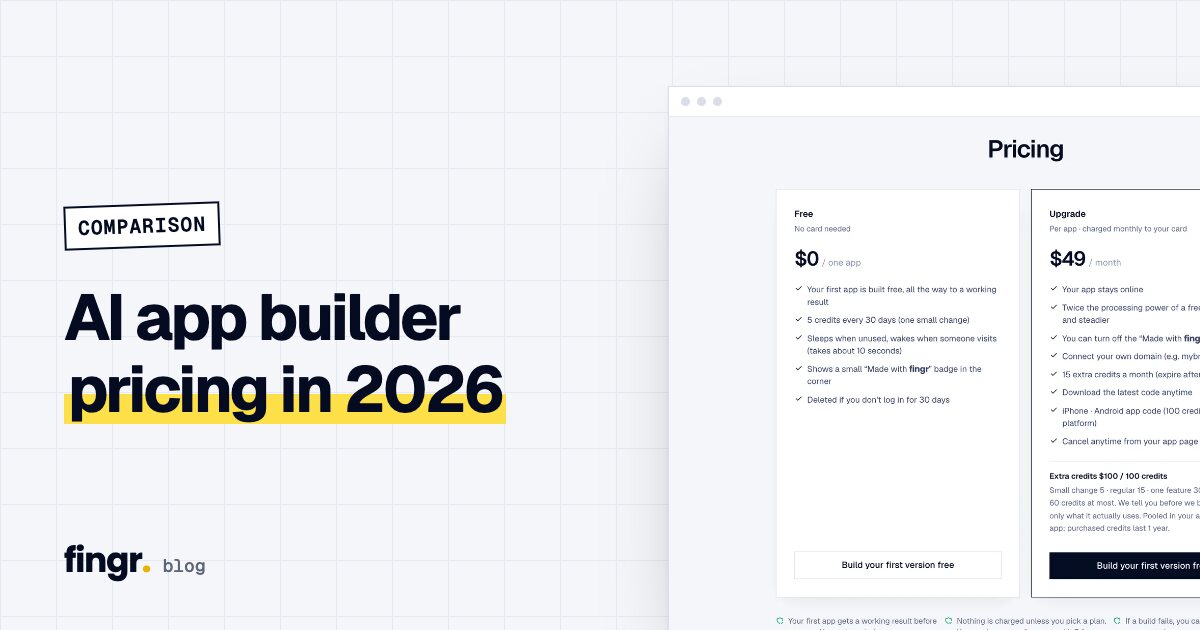
| Pricing (official pages, Oct 21, 2026) | Starter free, Core $20/mo ($20 credits included), Pro $100/mo ($100 credits); effort-based beyond that | One app on free credits, then $49/mo per app (hosting included) plus credits |
Billed annually, Core is $18/mo and Pro $90/mo. Prices change, so confirm on Replit's pricing page before you decide. For all the tools in one pricing table, see AI app builder pricing compared.
What Replit does well
Freedom. Python, JavaScript, a web app, a bot, a data script: you can build almost anything. It's strong when a project needs a specific library or an unusual setup.
Learning by building. You can watch the code the agent writes, edit it yourself and run it right away. If you want to learn to code, it's a great classroom.
Working with developers. Several people can work in the same project. For teams with a developer, having humans and AI in one workspace feels natural.
Where Replit gets hard
It's busy. If you don't code, a screen full of files, consoles and red error messages is a lot. When the agent gets stuck, someone has to figure out what the error means.
Costs are hard to predict. Once you use up the credits in your plan ($20 worth on Core), Replit charges based on how much work the AI does. A request that looks simple can run long and cost more than expected, and always-on hosting and big jobs are billed separately. Many users say they can't tell what a month will cost in advance.
Operations are on you. Admin screens, data permissions and backups tend to get skipped unless you ask. Knowing what to ask for is itself developer experience.
What fingr does well
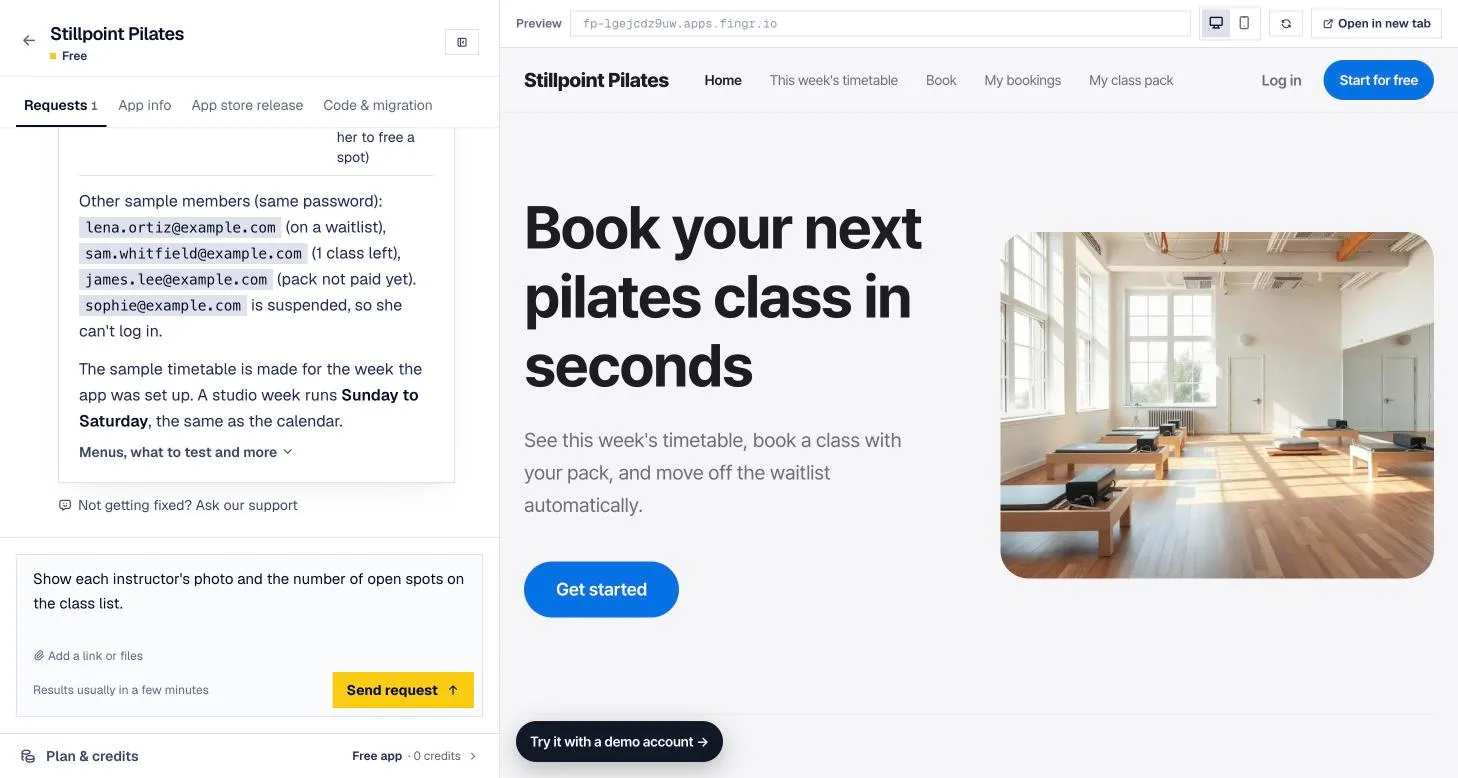
You get to the finish line without code. You'll rarely see an error message. When the app is ready, it's already live at a real URL with test accounts. If something breaks, click "Ask to fix it."
Direction comes first. You answer who the app is for and how it makes money, and if you like, AI researches similar products, their pricing and a suggested revenue model for the US market. Then you review screens and adjust copy, colors and layout.
Running the app is built in. Every app includes an admin dashboard and management screens for each kind of data. Before handoff, fingr checks that nobody can see other people's private records and that regular members can't open admin pages. For team apps with staff, client companies and approvals, it separates records by company and uses invite-only sign-up.
You see the cost first. Each change comes with a credit quote. The maximums are 5 credits for a small edit, 10 for a medium one, 30 for a feature and 40 for a large feature, and you're charged only what the work actually used. If it fails, you get the credits back.
Where fingr falls short
- No code editing. There's no editor. On a paid app you download the code and edit it elsewhere.
- No stack choice. fingr builds one way. If you need a specific language or framework, Replit is the better fit.
- Web apps only. Bots, data scripts and other programs without a user interface aren't something fingr builds.
- Very large products eventually need a dev team. fingr works best as the place you validate an idea, then take the code with you as it grows.
Which should you use?
Replit fits when you:
- Want to learn to code by building something
- Have a developer and need a particular language or library
- Are building bots, scripts or experiments rather than a web app
fingr fits when you:
- Need a real app for your business and don't have a developer
- Need both customer-facing screens and an owner's admin side
- Need costs you can predict month to month
- Want iPhone and Android apps later
To compare Lovable, v0 and developer coding agents too, see our AI app builder comparison.
Need a finished app, not a dev environment?
With fingr you can build one app with free credits. No card required. Describe your app in a sentence or two. After a few questions and a round of screen design, you get a live app with an admin dashboard. Get started.
FAQ
Can non-developers use Replit?
You can ask Replit Agent for things in plain English, but the workspace also shows a code editor, terminal and error logs. Without coding experience you'll often hit moments where you have to interpret what went wrong.
How does Replit charge?
Per Replit's official pricing page on October 21, 2026: Starter is free with daily Agent credits, Core is $20 a month ($18 billed annually) with $20 of usage credits included, and Pro is $100 a month. Past the included credits, Agent work is billed by effort, and always-on deployments and big jobs also draw from credits.
Can I know what a change will cost on fingr before it runs?
Yes. fingr shows a credit quote (the maximum) before building, then deducts only what the work actually used. Failed builds are refunded.
Can I move a Replit app to fingr?
There's no code import. You can paste your Replit app's URL or describe it, and fingr will use it as a reference to plan and build a new app.
Start your app with one sentence
Answer a few questions, see the screens first, then turn them into a real app. You can build one app with free credits.