Lovable vs fingr: A Quick Demo or an App You Can Actually Run?
Lovable vs fingr compared on speed, data storage, admin dashboards, security checks and pricing, with an honest take on which one fits your project.
· 6 min read
Key takeaways
- Lovable turns a prompt into a good-looking screen in seconds. It's excellent for demos.
- fingr starts with questions, optional market research and screen design, then builds an app with an admin dashboard and hosts it.
- With Lovable you set up data access rules and admin screens yourself. fingr checks for common data leaks automatically before handing the app over.
- Pick Lovable if you want to edit React code and sync with GitHub. Pick fingr if you need an app your customers can use now and you don't have a developer.
Both say "describe it and we'll build it." So what's different?
On the surface they look alike: you write what you want and AI builds it. The difference is what happens right after you hit enter.
Lovable draws screens immediately. A first version shows up in seconds, and you keep refining it through chat. When you just want to see an idea, that loop feels great.
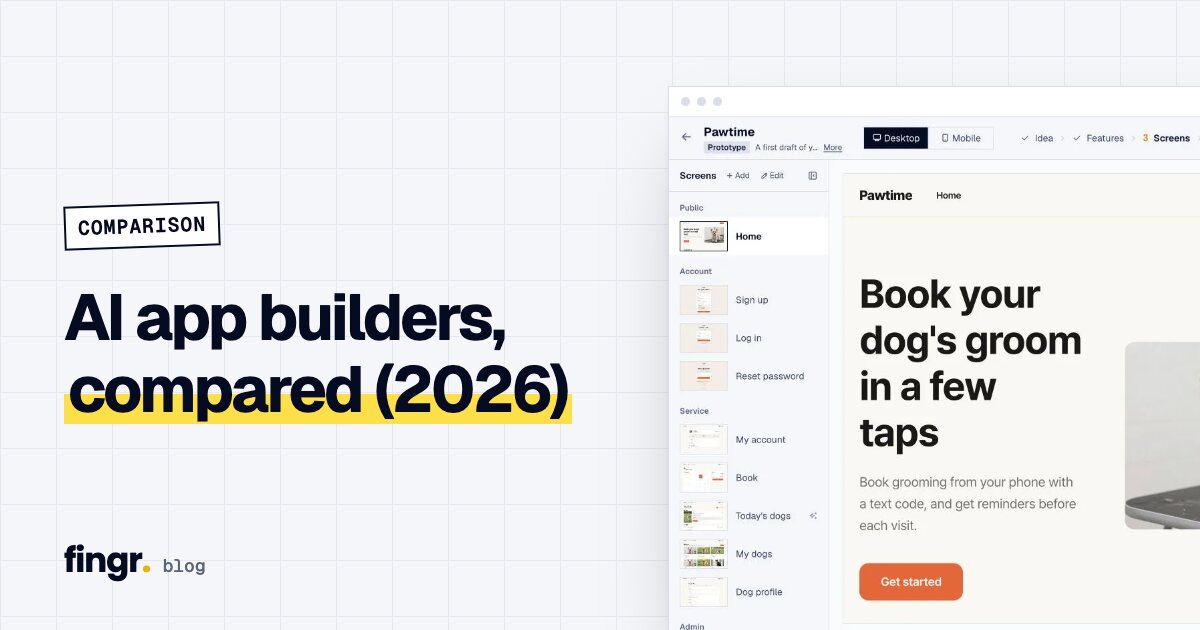
fingr doesn't start drawing right away. It first asks the few questions that really change the result: is this for your customers or only your staff, and how does it make money? If you want, it searches the web for similar products and their pricing. Then you pick features and a design, review real screens, and only after that does it build the app.
Side-by-side
| Lovable | fingr | |
|---|---|---|
| Time to first screen | Seconds | Screens after a few questions; the working app usually takes a few minutes |
| Planning before building | None, straight to UI | Business questions, optional market research, feature picking |
| Editing the design | Chat and visual editor | Edit copy, colors and layout on the screen designs, then ask for changes in plain words |
| Data and login | Connect Supabase or Lovable Cloud | Database built in; sign-up and login included |
| Admin dashboard | Ask for it separately | Included from version one |
| Security checks | You review access rules | Automatic checks and fixes before handoff |
| Hosting | Publish from Lovable | Hosted by fingr, test accounts provided |
| Code | GitHub sync, edit directly | Download on paid apps; no in-browser editor |
| Tech stack | React + Supabase | Chosen by fingr, not configurable |
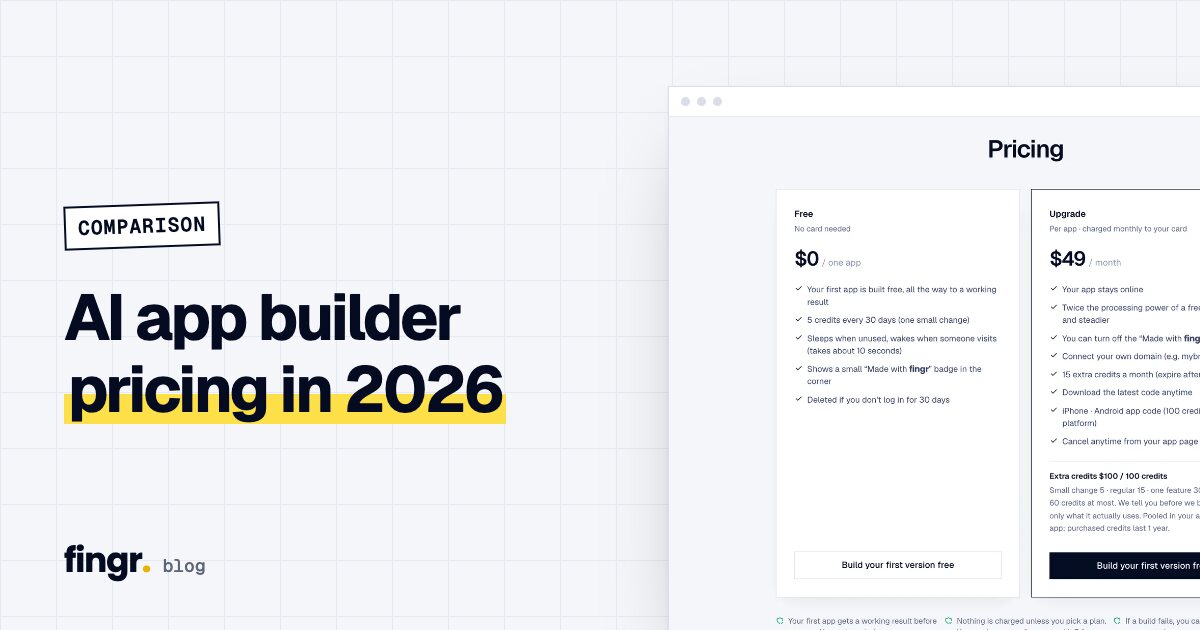
| Pricing (official pages, Oct 21, 2026) | Free (5 credits/day, up to 30/mo), Pro $25/mo (100 credits/mo), Business $50/mo | One app on free credits, then $49/mo per app (hosting included); 100 credits for $100 |
Since June 2026 Lovable uses one credit balance for building, hosting and AI features in your app. Their own examples: changing a button color is about 0.5 credits, adding login about 1.2, a landing page with images about 2. Pricing changes often, so check their official page before you decide. For every tool's pricing in one table, see AI app builder pricing compared.
What Lovable does well
Speed. When you need to show something today, few tools are faster. It's ideal the night before an investor meeting or when you want your team to "get the vibe."
Polish. The default UI looks modern and clean, and the visual editor lets you click on text or colors and change them.
A path to developers. GitHub sync means a developer who joins later can pick up the code directly. React and Supabase are a popular combo, so finding help is relatively easy.
What to watch for with Lovable
Data access rules. Lovable apps often keep data in Supabase. If the rules that decide who can read what aren't set correctly, one customer could see another's information. Checking this is on you.
Admin screens. Customer-facing pages come fast, but the screens an owner uses every day to review orders and update statuses need to be requested and built separately.
Credit burn. Credits are deducted based on how big each request is. A lot of users say small "tweak this" rounds add up quickly. Skipping planning usually means changing direction a few times, and every change costs credits.
Running costs come from credits too. On Lovable Cloud, your app's database, storage, traffic and AI features draw from the same balance you build with. More visitors means more credits, and if the balance hits zero, Cloud apps pause. If you connect your own Supabase instead, going past its free limits means a separate Supabase bill.
What fingr does well
It settles the direction before building. A few answers decide who the app is for and whether it needs payments. Choose "pay in person" and fingr won't build checkout screens. Choose "customers order without an account" and there's no sign-up wall. Fewer rebuilds.
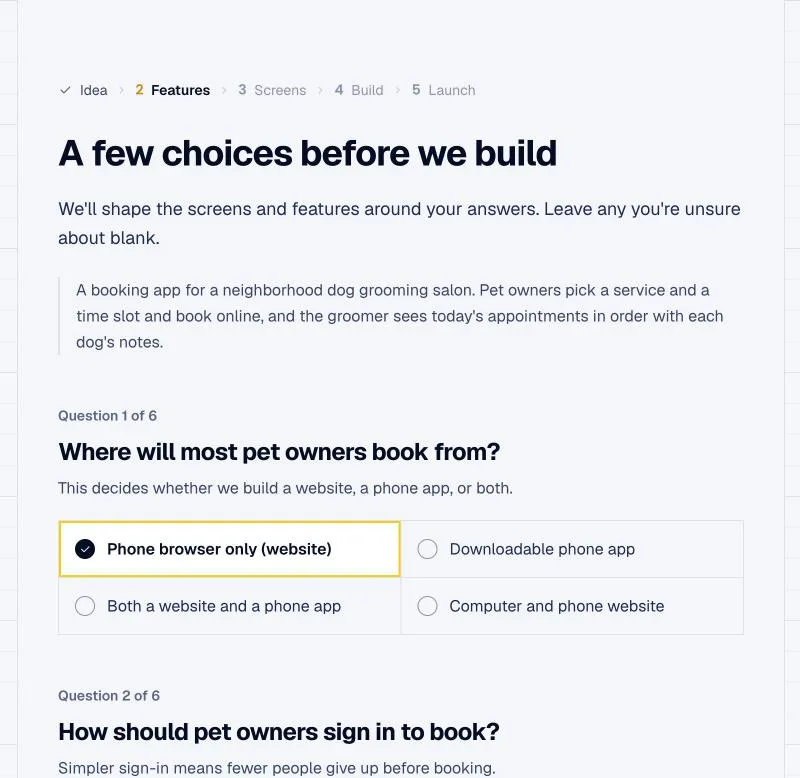
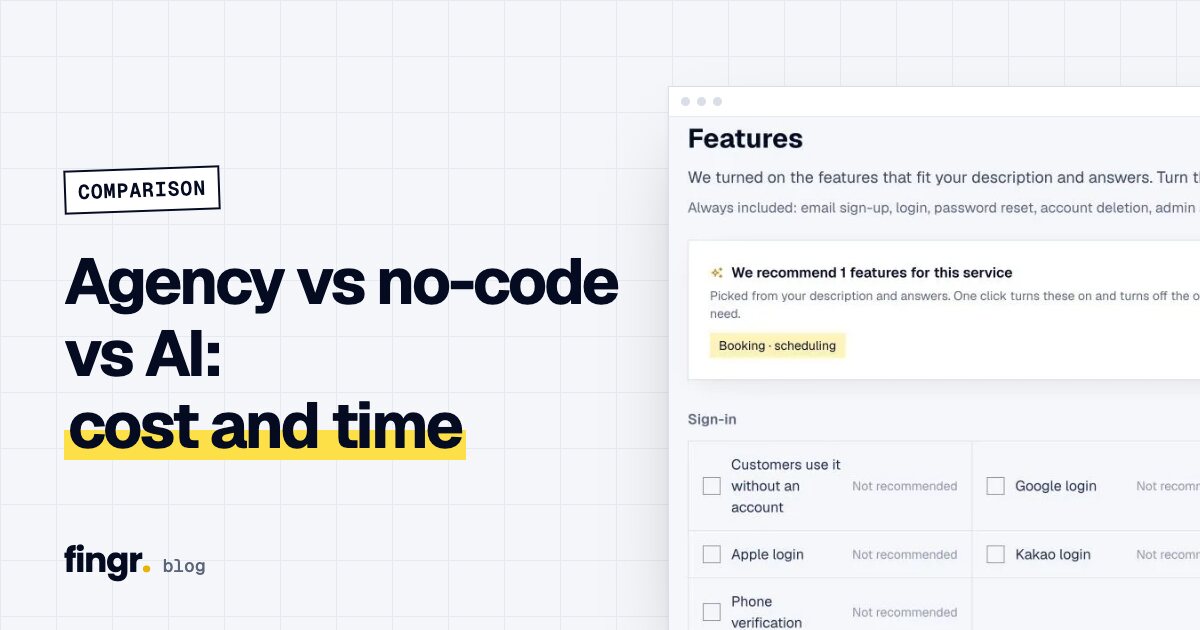
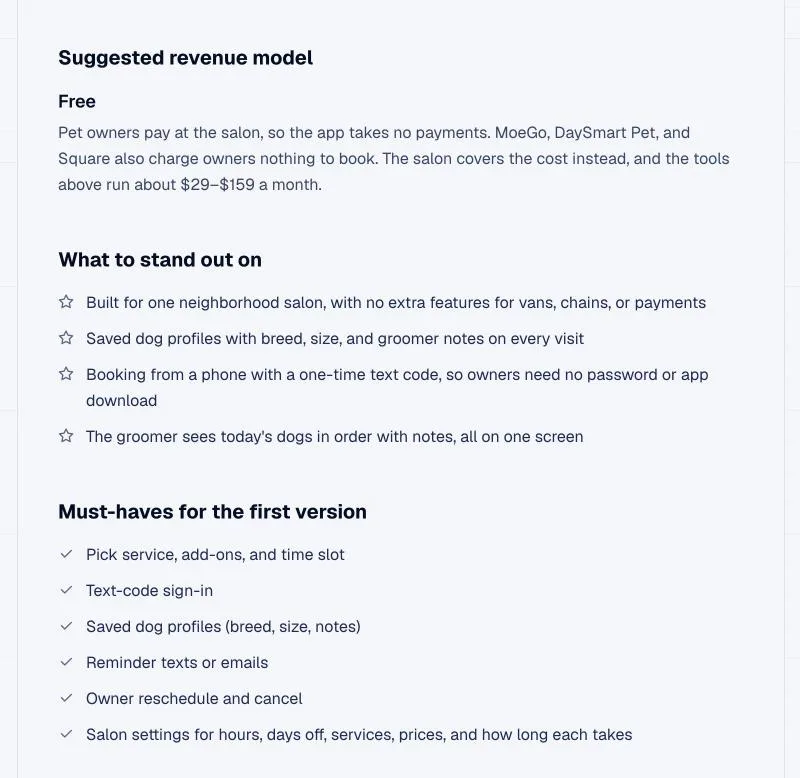
Optional market research. fingr can search the web and summarize similar products, their prices, a suggested revenue model, must-have features and things to watch out for, based on the US market. Click "Apply and pick features" and that research flows into your feature list and pricing model.
Screens before code. You review real screens and change copy, colors, fonts and layout, or add screens. The app follows those designs. Changing a screen design costs far less than changing code. More on that in why screens should come before code.
Admin and safety are built in. Every app ships with a dashboard and management screens for each type of data. Before handoff, fingr checks that logged-out visitors can't see other people's records, that regular members can't open admin pages, and that member B can't open member A's records. If something fails, it fixes it and checks again.
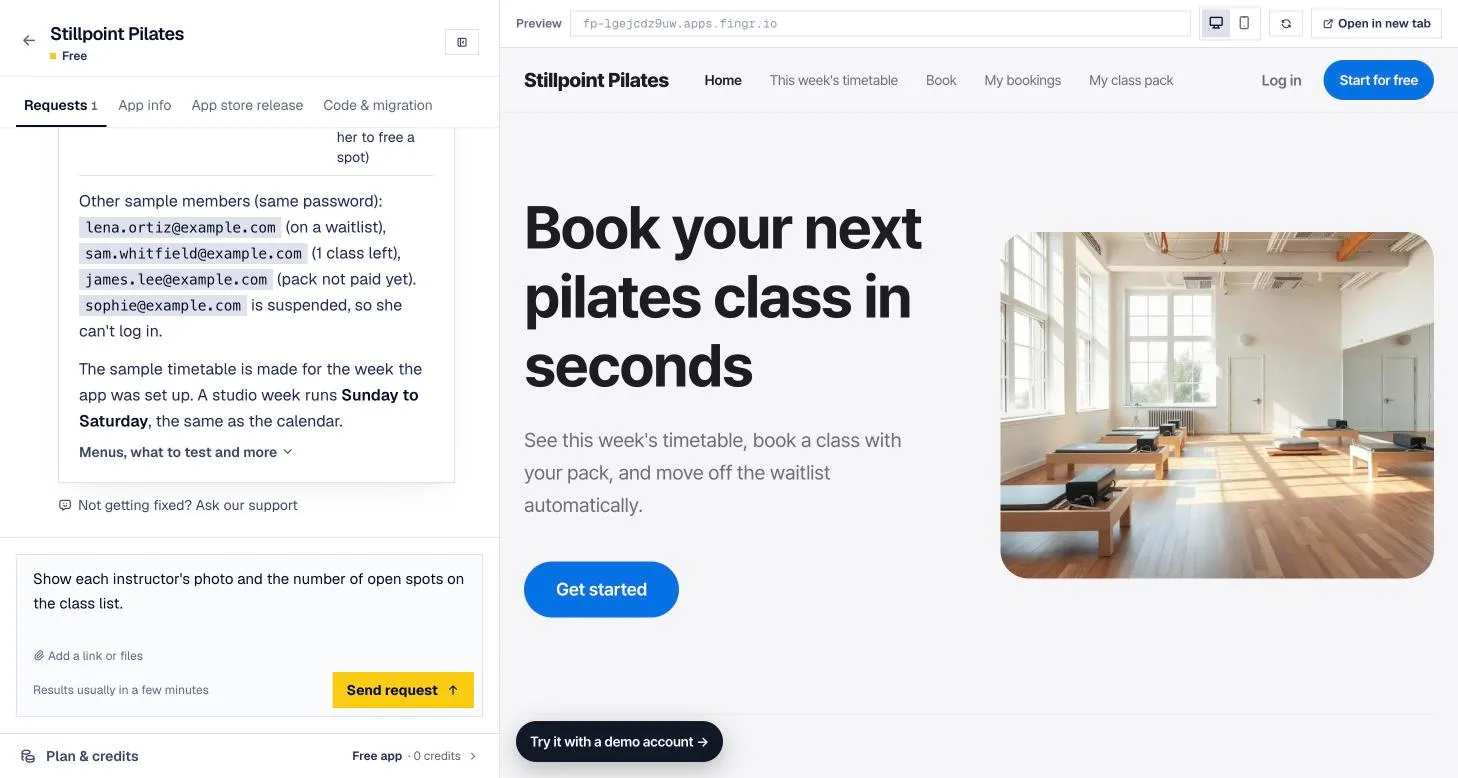
No server setup. When the app is ready, it's already live. Upgrade it and it stays on around the clock, connects to your own domain, and can come with iPhone and Android app code.
Where fingr falls short
- Instant feedback. Planning and design take time, so your first result comes later than with Lovable. If you need anything on screen right now, Lovable wins.
- Code editing. There's no code editor. On a paid app you download the code and edit it elsewhere.
- Stack choice. If you must use React or Next.js, fingr isn't a fit.
- Free-app wake-up. Free apps sleep when unused and take around 10 seconds to wake up for the next visitor.
Which should you use?
Lovable fits when you:
- Need a demo for investors or your team today
- Want quick UI mockups to hand off to a developer
- Plan to work in the React code yourself or move it to GitHub
fingr fits when you:
- Need a booking, ordering or membership app that customers will use and you'll run every day
- Have no developer but still need data security and an admin side handled
- Aren't sure yet what to build and want questions and market research to shape it
- Want iPhone and Android apps later
Some people use both: Lovable to explore the idea, fingr to build the app they'll actually run. For the bigger picture, see our AI app builder comparison.
Need an app you can run? Start with fingr
With fingr you can build one app with free credits, and you don't need a card. Describe your app in a sentence or two, go through the questions and screen designs, and get a real app with an admin dashboard. Start with your idea.
FAQ
What's the main difference between Lovable and fingr?
Lovable shows polished screens within seconds of a prompt. fingr asks planning questions and has you review screen designs first, then builds an app that's ready to run, with an admin dashboard, automatic security checks and hosting included.
Where does a Lovable app store its data?
In Lovable Cloud (its built-in backend) or Supabase (a hosted database service). With Lovable Cloud, database, storage and traffic costs come out of your credits. With your own Supabase project, going past Supabase's free tier means a separate Supabase bill.
Does a fingr app come with an admin dashboard?
Yes. From the first version you get a dashboard plus list, search, status filter, detail and edit screens for each kind of data.
Which is cheaper?
It depends on how you work. Per Lovable's official pricing page on October 21, 2026: Free (5 credits a day), Pro $25/mo (100 credits a month) and Business $50/mo, and building, hosting and in-app AI all use the same credits. fingr lets you build one app with free credits; after that it's $49 a month per app with hosting included, plus credits for changes.
Start your app with one sentence
Answer a few questions, see the screens first, then turn them into a real app. You can build one app with free credits.