Claude Code, Codex, and Gemini vs fingr: If You're Not a Developer
Claude Code, OpenAI Codex, and Gemini CLI are powerful AI coding agents built for developers. Here's what they assume you know, and when fingr is the simpler path to a working app.
· 7 min read
Key takeaways
- Claude Code (Anthropic), Codex (OpenAI), and Gemini CLI (Google) are AI coding agents that work inside a developer's machine or code repository.
- All three are very capable, and all three assume you understand dev environments, Git, servers, and deployment.
- For non-developers, the hard part isn't writing code. It's running that code safely in production.
- fingr uses a top-tier coding agent under the hood and handles planning, design, hosting, deployment, and security checks for you.
- Developers with an existing codebase should use the developer tools. If you want a finished business app, fingr is the shorter path.
What these three tools do
When people say "AI writes the code now," they usually mean one of these.
Claude Code. Anthropic's coding agent runs in your terminal or code editor. It reads an entire project folder, edits many files at once, and runs commands like tests on its own. It's widely regarded as strong on large codebases. It comes with Claude Pro ($20/mo, or $17/mo billed annually); heavier use means Max (from $100/mo) or API usage.
Codex. OpenAI's coding agent comes as a terminal app, an editor extension, and a cloud service. In the cloud, you hand it a task on a GitHub repository and review the changes when it's done. ChatGPT Free includes limited use, and Plus (about $20/mo in the US) raises the limits.
Gemini. Google offers several entry points: Gemini CLI (an open-source terminal agent), an app-building mode in Google AI Studio, and integration with Firebase, Google's app backend. There's a free allowance with a Google account, and Google AI Pro (about $20/mo in the US) raises it. The terms change often, so check Google's current documentation.
Prices above come from each vendor's official pricing page as of October 21, 2026, before tax. With all three, hosting, a database and a domain are extra. Limits change often, so check before you rely on them.
What they assume you already know
Developer-focused coding agents are great at writing code. They expect you to handle what comes before and after:
- A dev environment. Installing a language runtime and package manager, and running the project locally.
- Git. Version control, so you can roll back when the AI breaks something.
- Servers and deployment. Renting a server, pointing a domain at it, and setting up HTTPS.
- A database and backups. Deciding where customer data lives and making sure it doesn't disappear.
- Security. Making sure customers can't see each other's records and the admin area isn't open to everyone.
You can ask the agent for help with each of these, and it will help. But you still have to know what to ask and whether the answer is right. For developers, these tools save huge amounts of time. For a small business owner, it's easy to end up with a folder of code and no idea how to get it online.
How fingr splits the work
fingr also has a top-tier AI coding agent writing the actual code. The difference is what happens before and after that agent gets the job.
Before the build: deciding what to make
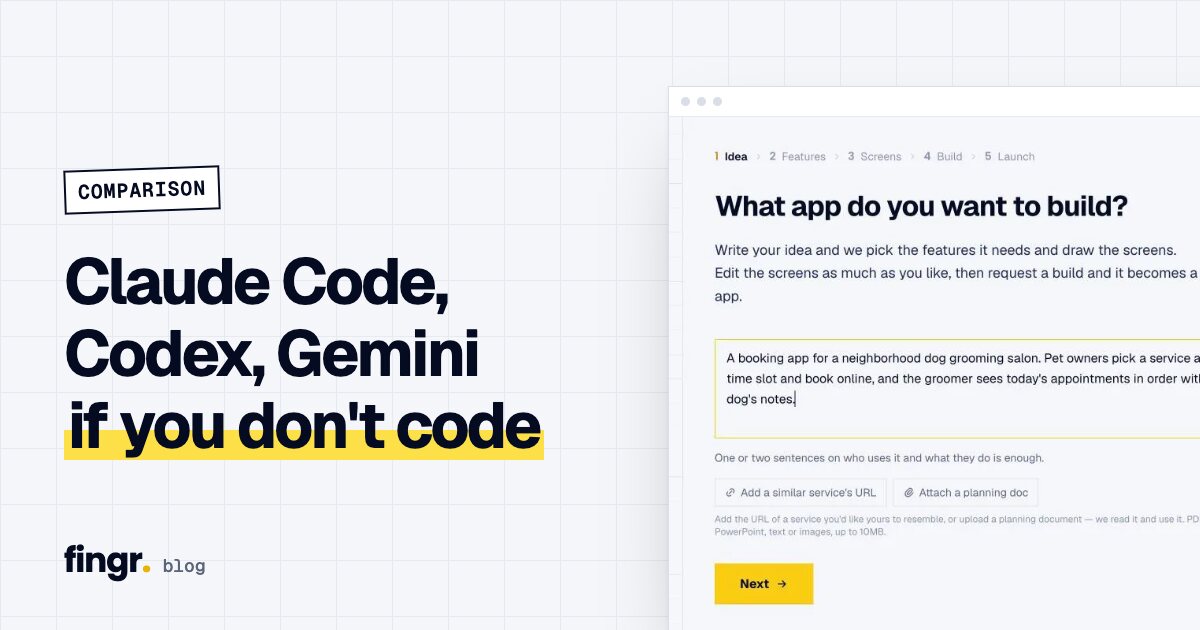
- Describe your idea in a sentence or two. Add a link to a similar product or upload a brief if you have one.
- Answer only the questions that change the outcome, like who uses the app and how it earns money.
- Optionally get market research: similar services, their pricing, a suggested revenue model, and must-have features.
- Toggle features, pick a design template, and edit real screens before any code is written.
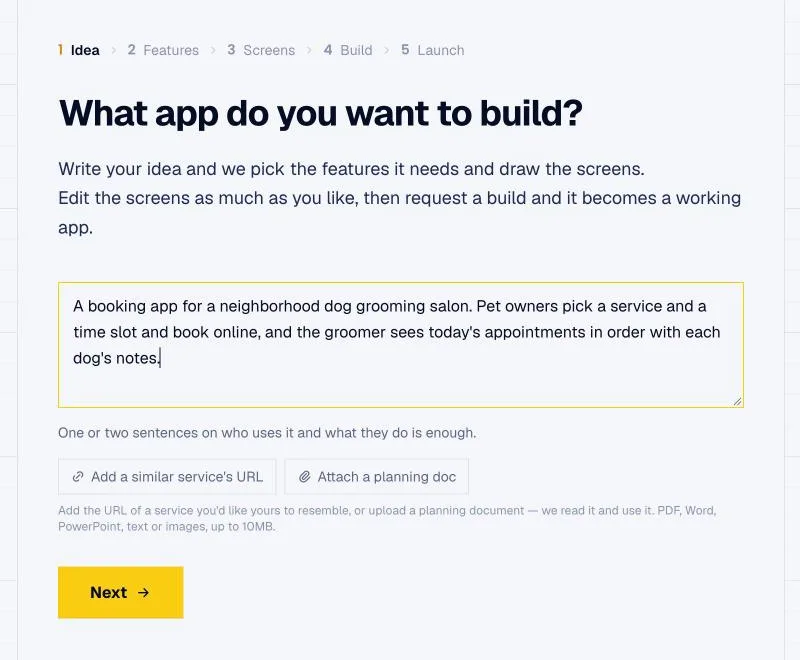
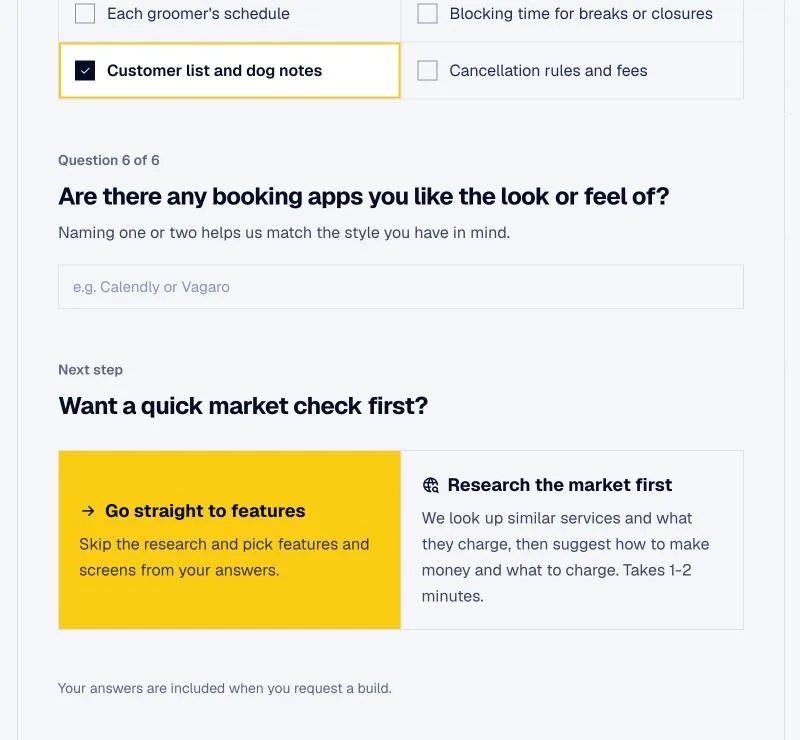
With a developer tool, you'd need to spell all of this out in prompts. Anything you forget turns into rework later, and rework costs time and money.
After the build: making it something you can run
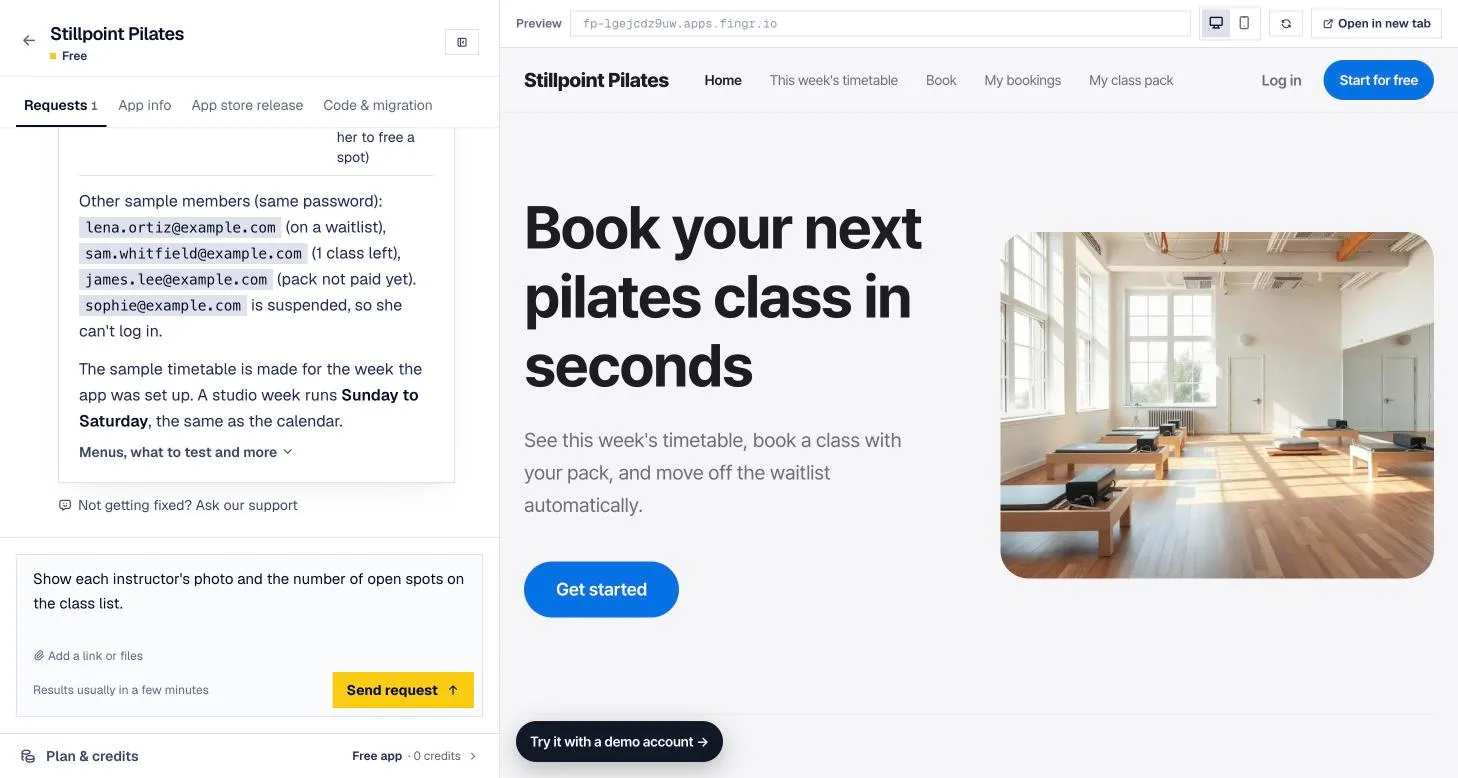
- The app is already live at a real web address when it's done, with a test account.
- An admin dashboard is included from the first version, with lists, search, status filters, and editing for every type of record.
- fingr runs automatic checks before hand-off: logged-out visitors can't see other people's records, regular members can't open the admin area, and member B can't open member A's data. Anything that fails gets fixed and rechecked.
- Each app runs in its own isolated space, so data never mixes with other apps.
- Payments, SMS, and maps go live when you paste in keys from those providers, and fingr shows you how to get them.
Side by side
| Claude Code, Codex, Gemini CLI | fingr | |
|---|---|---|
| Built for | Developers | Owners, founders, product people |
| Where you work | Terminal, code editor, repository | Web browser |
| Planning and research | You explain everything | Built-in questions, research, feature picks |
| Seeing the design | Run the code to see it | Review and edit screens before code |
| Server, database, deploy | You set them up | Included |
| Security checks | You verify | Automatic before hand-off |
| Editing code by hand | Full control | No editor; download code on a paid app |
| Tech stack | Your choice | Set by fingr |
| Cost (official pages, Oct 21, 2026) | Claude Pro $20, ChatGPT Plus ~$20, Google AI Pro ~$20 a month, plus hosting, database, domain | One app on free credits; $49/month per upgraded app (hosting included) |
The costs people miss
Developer tools can look cheap on the pricing page. Running an app, though, adds hosting, a domain, a database, backups, and the time of whoever fixes things when they break. If you're not a developer, that last line is usually the biggest.
With fingr:
- You can build one app with free credits.
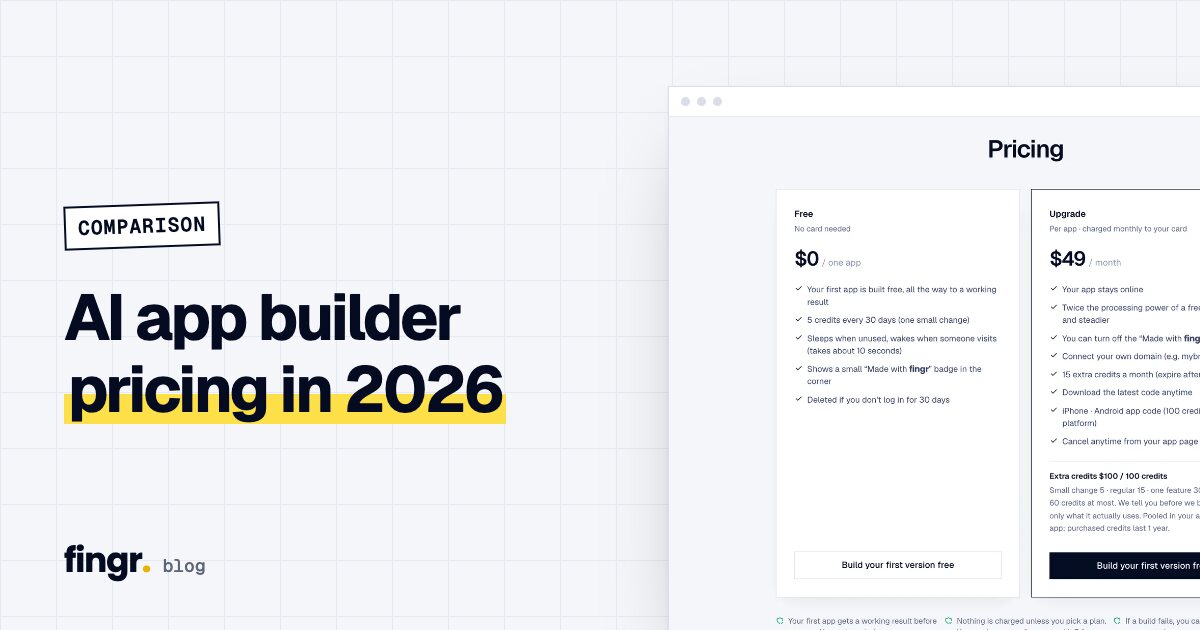
- Upgrading an app is $49/month, with hosting and the database included. It stays online and can use your own domain.
- Changes use credits. You see the maximum before you approve, and only the actual cost is deducted after the work is done.
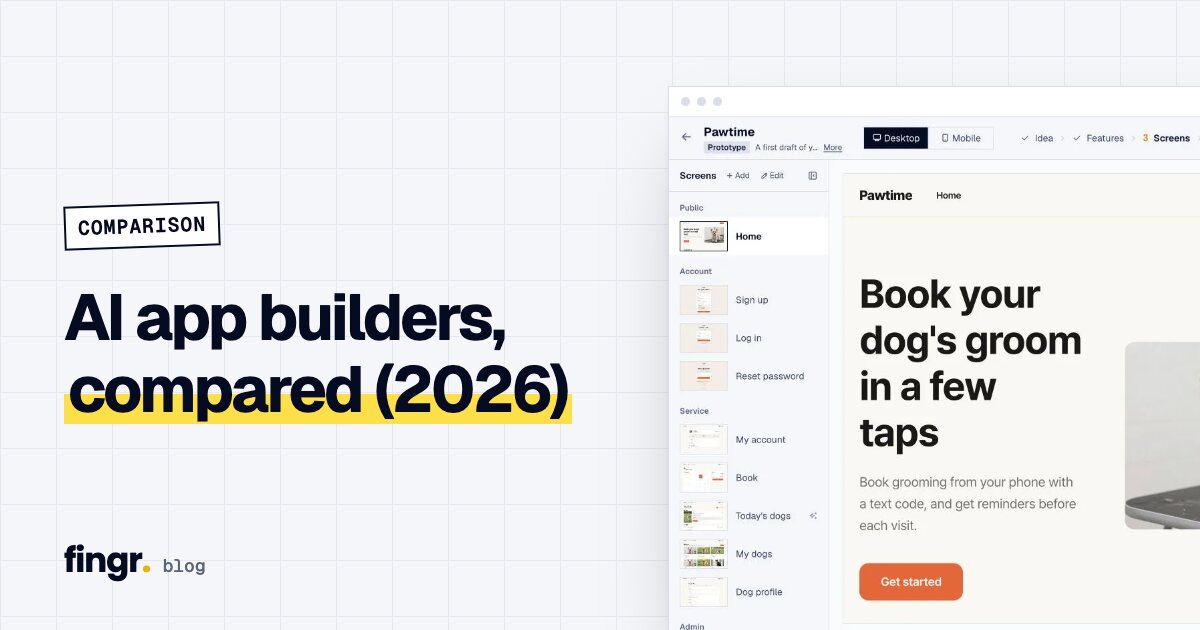
For every tool's pricing in one table, with monthly cost examples, see AI app builder pricing compared.
When the developer tools are the better choice
- You already run a product and want to add features to its codebase.
- You want to choose the stack yourself, like React or a specific database.
- You want to read and review every line before it ships.
- You need deep integration with internal company systems.
When fingr is the better choice
- You don't have a developer and need a booking, ordering, or membership app.
- You want the result without thinking about servers, deployment, or security setup.
- You want help figuring out what to build, with planning and market research first.
- You want a solid starting point you can hand to developers once the business grows.
These options also work in sequence. Build with fingr, see how customers respond, and once it grows, upgrade, download the code, and let a developer keep going with Claude Code or a similar tool. Paid apps can also be moved to your own DigitalOcean (cloud hosting) account for 200 credits.
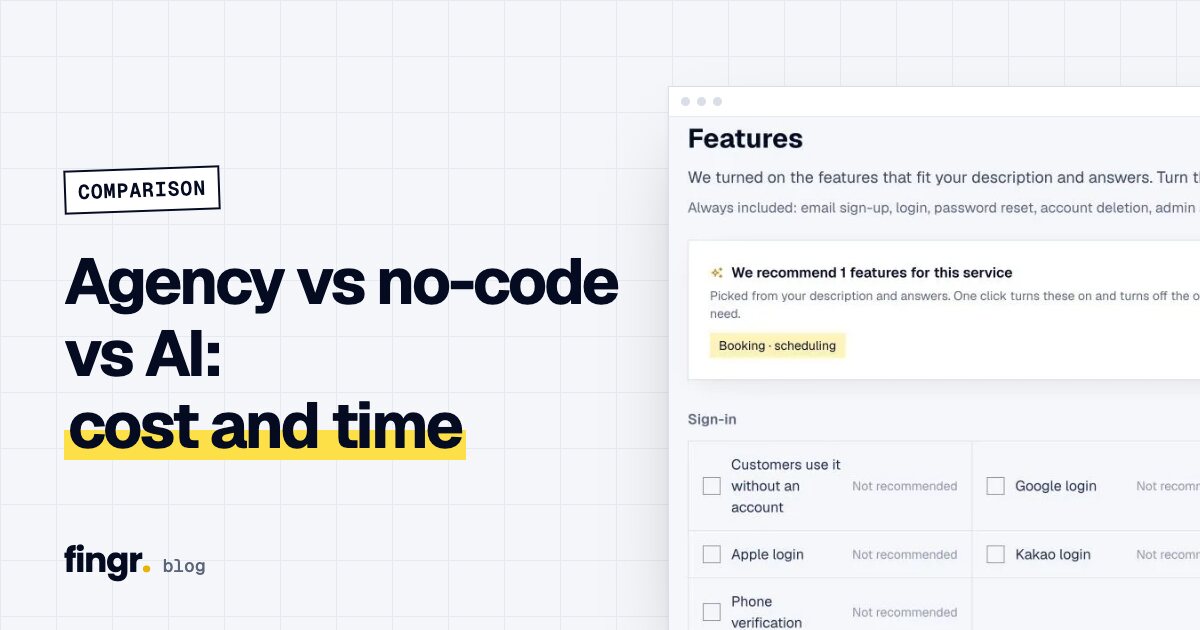
For the bigger picture, read the 2026 AI app builder comparison. If you're weighing an agency, see agency vs no-code vs AI builder.
Bottom line
Claude Code, Codex, and Gemini are like a very good engineer on your team. To work with them, you need to be the tech lead. fingr wraps that same kind of engineer in everything around it: planning up front, then hosting, checks, and day-to-day operation after.
If you need an app your business can run without a developer, start with a sentence or two. You can build one app with free credits. Build your first app with fingr
FAQ
Can a non-developer build an app with Claude Code or Codex?
They can produce the code. But these tools assume you know your way around a terminal, Git, servers, domains, databases, and security settings, so most non-developers get stuck when it's time to run the app for real.
How is fingr different from these tools?
fingr also uses a top-tier AI coding agent to write the app. The difference is that fingr handles planning, market research, design, hosting, deployment, security checks, and the admin dashboard. You describe what you want and review the result.
Which should a developer use?
If you have an existing codebase or want to choose your own stack, Claude Code, Codex, or Gemini CLI is a better fit. fingr has no code editor and doesn't let you pick the stack.
Can I hand a fingr app to a developer later?
Yes. You own the code, and on a paid app you can download the latest version anytime. A developer can keep building on it with tools like Claude Code.
Start your app with one sentence
Answer a few questions, see the screens first, then turn them into a real app. You can build one app with free credits.